SMS Verification: What It Is, How It Works, and How to Send Verification Codes (2026 Guide)

Somewhere in the last hour, you probably typed a six-digit number into a login box without thinking twice about it. Maybe it was your bank app, maybe it was a food delivery sign-up, maybe it was a new SIM activation. That little number — the verification code — has quietly become the thing standing between your accounts and the millions of stolen passwords floating around the internet.
Passwords alone stopped being enough a long time ago. Credential-stuffing attacks, recycled logins across five different apps, and data-breach dumps traded like baseball cards mean a password by itself is closer to a “please try this first” note for hackers than an actual lock. SMS verification fixes a big part of that problem by tying access to something an attacker usually doesn’t have: your phone.
This guide covers what SMS verification actually is, how the process works behind the scenes, its real advantages and its real limitations, who relies on it and why, how secure it genuinely is, how to pick a text verification service, how to send the codes yourself, what alternatives exist, and the questions people ask most often about the whole system.
What is SMS verification?
SMS verification — sometimes called SMS authentication, SMS-based two-factor authentication (2FA), or SMS one-time password (OTP) — is a security process that confirms a user actually has access to the phone number tied to their account. When someone logs in, resets a password, or completes a sensitive transaction, the system sends a short numeric sms verification code as a text message. The user reads it and types it back into the app or website, and that round trip proves they’re holding the right device.
You’ll come across a few different names for the same idea across apps and documentation:
- SMS authentication
- SMS-based two-factor authentication (2FA)
- SMS one-time password (OTP)
- Text verification or text message verification
They’re all describing the same mechanism: a password proves you know something, and an SMS code proves you have something — a specific physical phone with a specific number registered against your account. Put those two together, and an attacker suddenly needs both your credentials and your phone before they can get anywhere close to your account.
It isn’t a silver bullet, and we’ll get into exactly where it falls short later on. But its convenience — no app download, no extra hardware, works on any phone that can receive a text — is why it became the default second layer of security across banking, social media, healthcare, and e-commerce over the past decade.
How does SMS verification work?

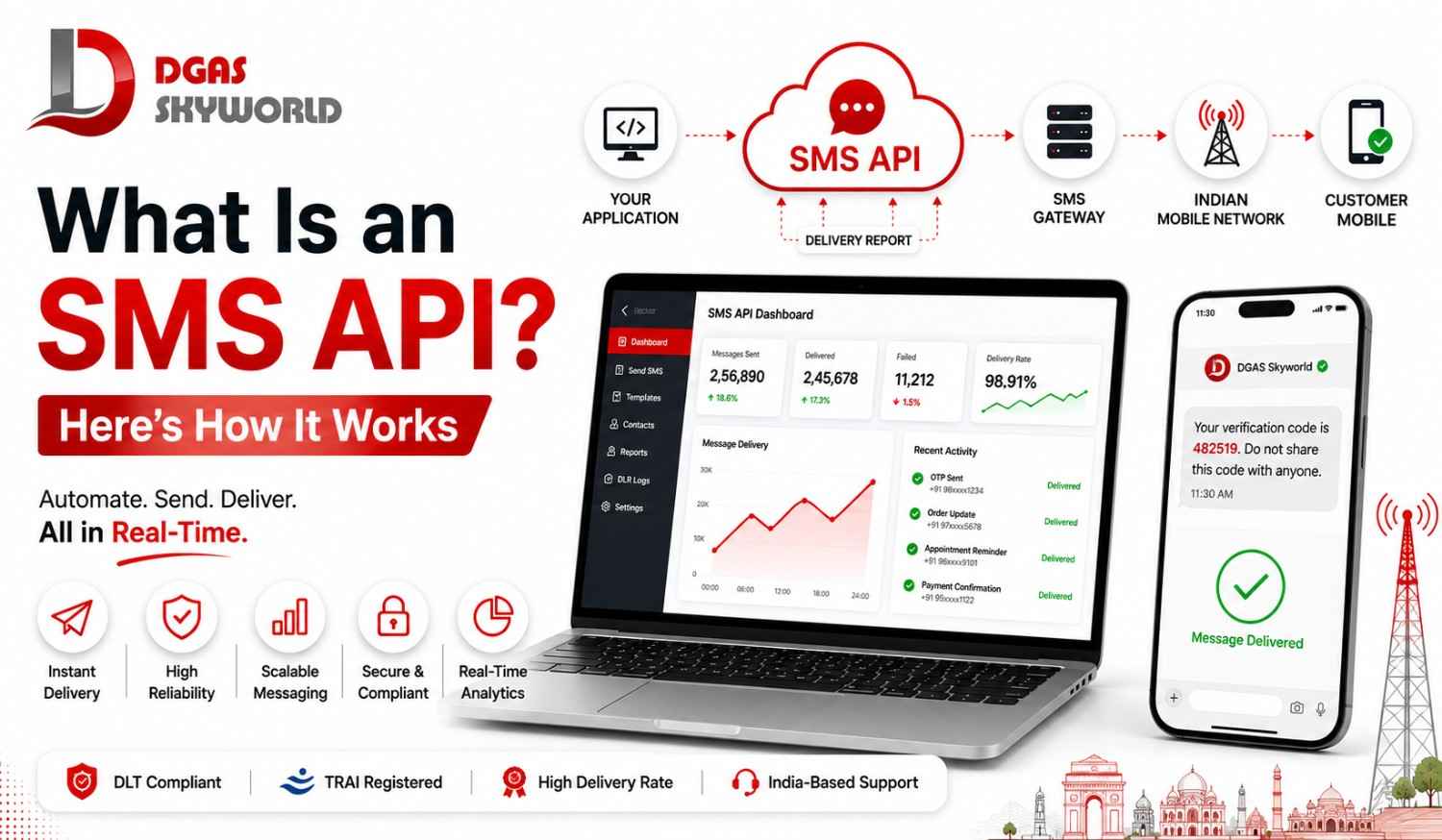
Strip away the technical language, and the sms verification code flow is almost boringly simple — which is exactly why it caught on so fast. Here’s what happens between the moment a user hits “Login” and the moment they’re inside their account:
- Number registration. During account sign-up, the user provides a mobile phone number alongside a username and password. That number is stored as the account’s verification channel.
- Trigger event. The user tries to log in, reset a password, approve a payment, or take some other action the platform considers sensitive.
- Code generation. The backend system generates a random, time-limited OTP — typically 4 to 6 digits — and holds it temporarily against that user’s session.
- SMS gateway dispatch. The application sends the code through an SMS API or gateway, which routes the message through telecom carriers to the registered number. This is the part most users never see, but it’s where speed, delivery rates, and reliability are actually won or lost.
- SMS delivery. The user receives a text — something like “894546 is your verification code. Valid for 5 minutes.” — usually within a few seconds of the request.
- User input. The user reads the code and types it into the app or website’s verification field.
- Validation. The system compares the entered code against the one it generated. A match grants access; a mismatch or expired code triggers a denial, usually with an option to resend.
That’s the entire loop. No app to install, no hardware token to carry around, no biometric scanner required — just a phone number and a few seconds of patience.
What businesses often underestimate is step 4. A well-built OTP flow isn’t just “send a text” — it’s choosing the right sender ID, routing messages through DLT-compliant templates (a legal requirement for any business texting numbers in India), and having a backup plan ready for when delivery is slower than expected. If you’ve ever waited two minutes for a get verification code message that should have taken five seconds, you’ve felt what happens when that backend infrastructure isn’t solid. We’ve actually broken down why text messages fail to send and how to fix each cause if you want to see what’s usually happening on the other end when an OTP goes missing.
SMS verification advantages
There’s a reason SMS authentication is still standard practice in 2026 even with newer options like passkeys and biometrics gaining ground. It solves a specific set of problems really well.
It stops account takeovers cold. Even if a hacker has your exact password, they still need your physical phone to complete a login. That single requirement kills the vast majority of automated credential-stuffing attempts before they ever get anywhere.
It doesn’t ask users to learn anything new. Nearly everyone who owns a phone already knows how to read a text and type a number into a box. There’s no learning curve, no app download, and no “how do I even set this up” support ticket clogging your helpdesk.
It’s genuinely affordable to run. Unlike hardware security keys or biometric scanners, SMS verification piggybacks on infrastructure that already exists — the telecom network. Businesses pay per message sent rather than per device manufactured and shipped.
It filters out fake sign-ups. A phone number that can receive and confirm a code is, statistically, attached to a real human being. This is exactly why marketing teams love SMS verification as much as security teams do — it keeps bot registrations and throwaway leads off a contact list before they ever cost you a campaign send.
It works everywhere, even on basic phones. No smartphone, no data connection, no problem. As long as a number can receive a text, verification works — which matters enormously in a market like India, where connectivity and device quality vary widely from city to town to village.
It’s practically expected by regulators. Industries handling money or health data — banking, fintech, healthcare — often need some form of multi-factor authentication to stay compliant, and SMS OTP is one of the most widely accepted ways to check that regulatory box.
SMS verification challenges
None of this means SMS verification is bulletproof, and pretending otherwise does users a disservice. A few honest weak points worth knowing about:
- SIM swapping. This is the big one. If a fraudster convinces (or bribes) a telecom representative into porting your number onto their SIM, every sms confirmation code meant for you now lands in their hands instead. It’s rare, but it’s the attack vector security teams worry about most.
- Synced devices. Plenty of people mirror their texts to a smartwatch, tablet, or laptop. Convenient, sure — but it also multiplies the number of places an attacker could intercept a code if any one of those devices gets compromised.
- Lost or stolen phones. No phone, no code, no access — and worse, whoever finds that phone might end up with access instead of you.
- Delivery delays. Congested networks, incorrectly formatted numbers, or carrier-side filtering can slow down or outright block a code, which is a real problem when your OTP has a five-minute expiry window ticking down.
- No end-to-end encryption. SMS as a protocol was never built with modern encryption standards in mind, which theoretically leaves room for interception on compromised networks.
None of these risks make SMS verification useless — they simply mean it shouldn’t be the only layer of protection for high-stakes actions like large fund transfers or admin-level account access. Pairing SMS OTP with device fingerprinting, risk-based triggers, or a secondary channel like WhatsApp or voice closes most of these gaps without adding real friction to everyday logins.
Who uses SMS verification?
Short answer: almost everyone who has an online account for anything that matters. Longer answer, broken down by where it shows up most often:
- Banking & fintech: Every UPI transfer, card payment, or net banking login typically triggers an OTP before the transaction goes through.
- E-commerce: Account creation, checkout confirmation, and order tracking updates all lean on SMS verification to confirm a real buyer is on the other end.
- Healthcare: Patient portal logins and appointment confirmations, protecting sensitive medical records from unauthorized access.
- Social media & messaging apps: New device logins and account recovery flows, where confirming the real owner is critical to preventing hijacking.
- Government services: Citizen ID verification, welfare scheme registrations, and municipal service requests — a use case DGAS Skyworld has handled directly, having delivered SMS-based verification and communication for public sector bodies including municipal corporations and state government departments across India.
- SaaS platforms: Admin access controls, password resets, and new-user onboarding across B2B software.
If you’re a consumer, you’ve almost certainly used SMS verification dozens of times without ever calling it by name — it’s just “that code they text me.” The reason it’s this widespread is precisely because it requires nothing more from the user than a working phone number.
Is SMS verification secure?
SMS verification meaningfully raises the security bar over a password-only login, because it requires physical possession of a registered device in addition to knowing the correct credentials. For a hacker to break in, they typically need your username, your password, and your phone — or a successful SIM swap that redirects your number to a device they control.
That’s a genuinely higher bar than most people clear day to day, which is exactly why SMS verification remains one of the most widely deployed authentication layers globally. But “more secure than a password alone” isn’t the same as “unbreakable.” For high-risk scenarios — large financial transactions, administrative account access, sensitive data exports — it’s worth layering SMS OTP with a second method, such as a TOTP authenticator app or biometric confirmation, rather than relying on SMS as the sole gatekeeper.
For everyday logins, checkout confirmations, and account recovery, SMS verification strikes a strong balance between real security and a frictionless user experience — which is exactly why it hasn’t been replaced despite newer authentication technologies entering the market.
How to choose a text verification service
With dozens of SMS verification providers competing for your business, picking the right one comes down to a handful of practical factors that actually affect whether your codes arrive on time:
Speed and reliability. Look for a provider that delivers codes quickly and consistently, since users typically have only a few minutes before an OTP expires. A provider with direct telecom connectivity, rather than one bouncing through multiple resellers, will almost always beat a cheaper but slower alternative.
Scalability. If you’re sending thousands of OTPs during a sale event, a festival campaign, or a product launch spike, your provider needs to handle that volume without codes queuing up or delivery slowing to a crawl.
Security and compliance. OTPs carry sensitive access information, so work with a provider that follows strong data-protection practices and, in India specifically, is fully compliant with TRAI’s DLT (Distributed Ledger Technology) framework. Skip this step and your messages get filtered before they ever reach a user.
Support quality. When a delivery issue happens at 2 AM before a big launch, you want a real support line, not a ticket sitting in a queue for six hours.
Alternate verification options. Not every user wants to rely on SMS alone. A good provider should also offer voice OTP, WhatsApp OTP, or email as fallback channels, so a slow network on one channel doesn’t lock a genuine customer out.
This is precisely the checklist DGAS Skyworld was built around for the Indian market. As a CPaaS platform trusted by 12,000+ active users — including government bodies, PSUs, and private enterprises across banking, healthcare, e-commerce, and education — DGAS Skyworld combines direct carrier routing, full DLT compliance, and multi-channel fallback (SMS, Voice, WhatsApp, RCS) inside a single dashboard and API. If you want a side-by-side comparison of how different providers stack up on exactly these factors, our own breakdown of the best OTP SMS service providers in India for 2026 walks through it in detail.
How to send SMS verification codes with DGAS Skyworld

Sending a verification code number sounds simple in theory, but doing it reliably, at scale, and within Indian telecom regulations is where most in-house attempts run into trouble. Here’s the practical path, step by step.
Step 1: Complete your DLT registration. In India, any business sending transactional or promotional SMS — including OTPs — must be registered under TRAI’s DLT framework, with pre-approved message templates. Skip this, and your messages get silently filtered before they reach anyone. DGAS Skyworld handles this end-to-end through its DLT registration service, so businesses don’t have to navigate the paperwork alone.
Step 2: Choose your primary verification channel. For most Indian audiences, SMS remains the default because it needs no app and no data connection. DGAS Skyworld’s Transactional SMS service is built specifically for OTPs and time-sensitive alerts, with direct-to-operator routing designed to get codes delivered in seconds rather than minutes.
Step 3: Integrate the API into your sign-up, login, or checkout flow. DGAS Skyworld’s SMS solutions offer straightforward REST APIs that plug into existing systems with minimal code changes — generate a code, hit the endpoint, deliver it, validate the response.
Step 4: Set a short, sensible expiry window. Somewhere between 60 seconds and 5 minutes is the sweet spot. Long enough that users aren’t rushed, short enough that a leaked code becomes useless quickly.
Step 5: Limit retry attempts. Cap failed attempts at 3–5 before triggering a temporary lockout or a fresh code request. This single rule blocks the majority of brute-force attempts against an OTP field.
Step 6: Build in a fallback channel. SMS delivery isn’t always instant, especially during network congestion. Offering a voice call or WhatsApp OTP as backup keeps genuine users from getting stuck. DGAS Skyworld supports both — Voice-based OTP delivery for users without reliable SMS reception, and WhatsApp Business API verification for a richer, branded verification experience. We’ve also written specifically about WhatsApp OTP verification pricing and features if that channel is on your radar.
Step 7: Personalize the message template. Include your business name directly in the SMS body — “1234 is your OTP for [Business Name]. Valid for 5 minutes. Do not share this code.” This reduces confusion and makes it much harder for phishing attempts to impersonate you convincingly.
Step 8: Monitor delivery and failure rates continuously. Track how many OTPs actually land, how many time out, and where drop-offs concentrate. A verification flow you can’t measure is one you can’t improve. DGAS Skyworld’s dashboard surfaces this reporting in real time, so delivery issues get caught before they turn into abandoned sign-ups.
If you’d rather have someone walk through the setup with you instead of piecing it together solo, you can book a free demo or talk to the team directly.
Alternatives to SMS verification
SMS verification is the default, not the only option. Depending on your audience and risk profile, one of these might work better as a primary channel or a smart backup:
Voice call verification. A call reads the code aloud instead of texting it — useful for accessibility needs, feature phones, or regions where SMS delivery is historically unreliable.
WhatsApp OTP. Delivered through a verified business account, often with higher engagement rates in markets where WhatsApp usage is near-universal. It also allows for richer, branded verification messages compared to plain SMS.
Email verification. Lower cost and simple to implement, though slower than SMS and generally better suited to low-risk actions like newsletter sign-ups or non-critical password resets.
TOTP authenticator apps. The user generates a time-based code inside an app like Google Authenticator, which the system matches at that exact moment. More resistant to SIM swapping, but requires the user to install and configure something upfront.
Biometrics. Fingerprint or facial recognition built into the device itself. Very secure and frictionless, but device-dependent and unavailable on older or basic phones.
RCS messaging. An emerging, richer alternative to plain SMS that supports branded, interactive verification messages with logos and buttons, improving trust and reducing phishing confusion.
Most mature verification strategies don’t pick just one of these. They run SMS as the default and quietly fall back to voice or WhatsApp when the primary channel stumbles — which is exactly how DGAS Skyworld’s omnichannel CPaaS platform is structured under the hood, bringing SMS, Voice, WhatsApp, and RCS together behind a single API.
More SMS verification resources
If you’re building or refining a verification flow for an Indian audience, a few deeper reads worth bookmarking:
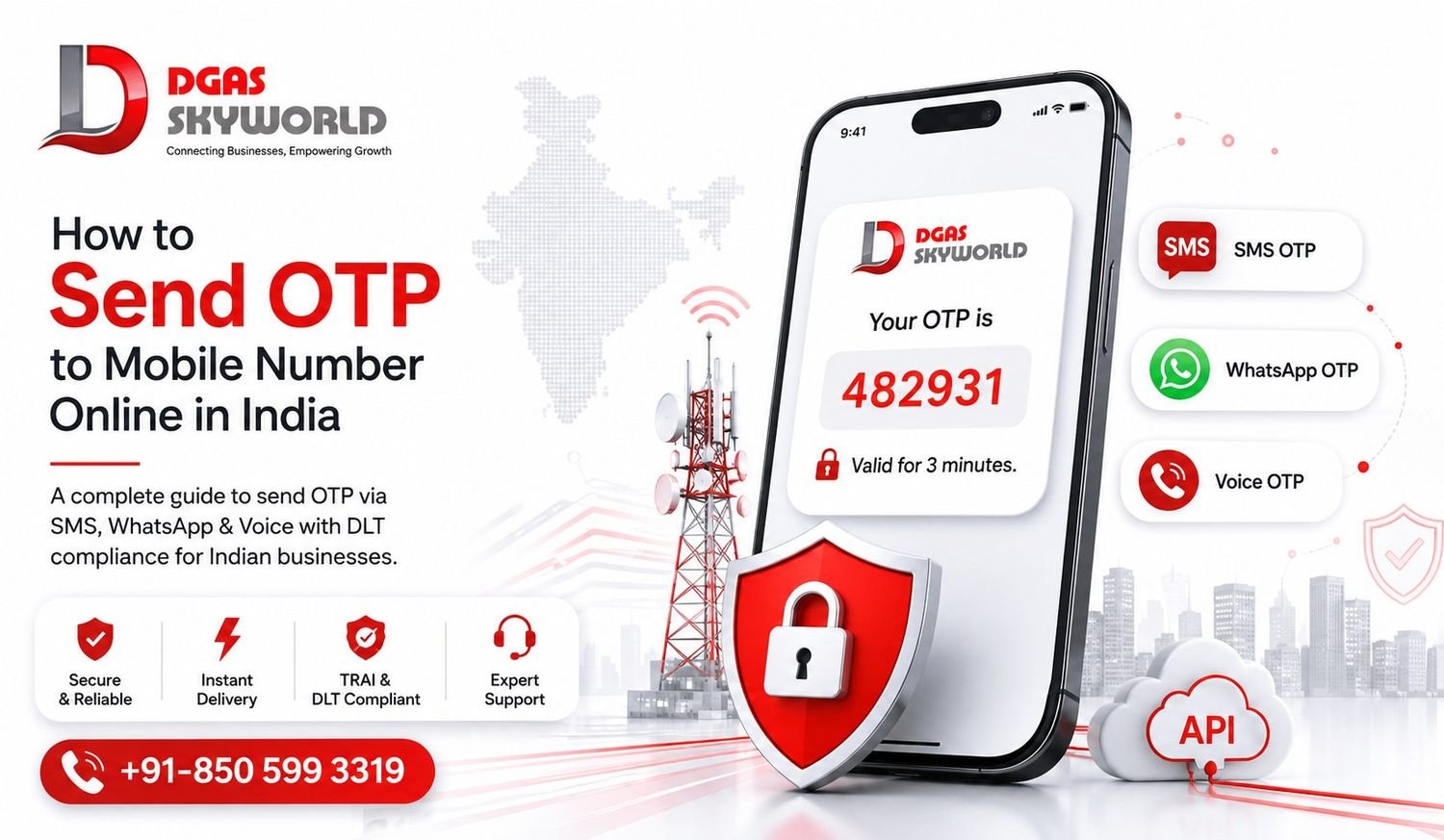
- How to Send OTP to a Mobile Number Online in India: Complete Guide — a closer look at the DLT template requirements, sender ID rules, and consent framework specific to Indian telecom regulation.
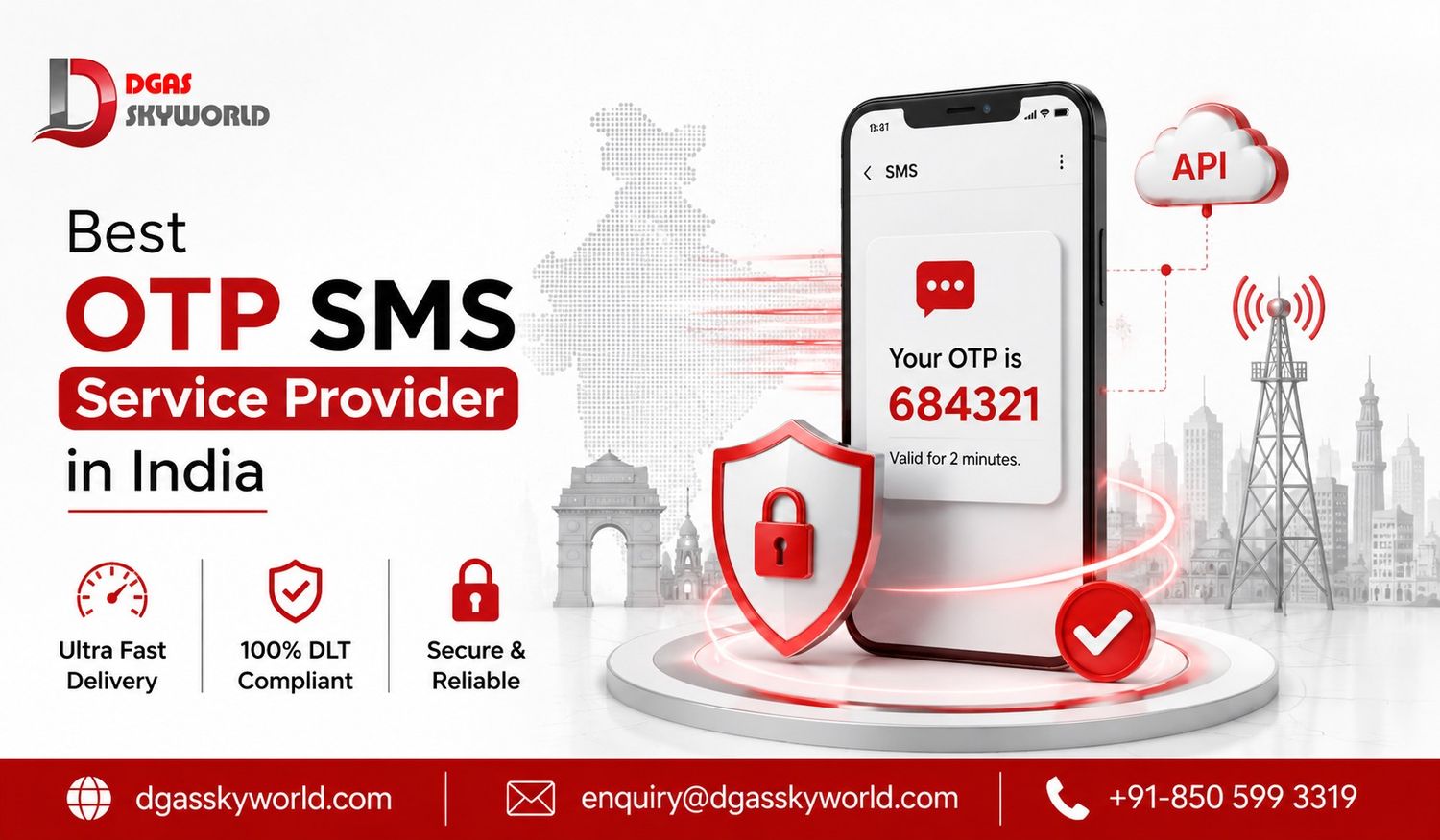
- Best OTP SMS Service Provider in India 2026: Top 5 Compared — a side-by-side comparison of leading providers on speed, pricing, and compliance.
- WhatsApp OTP Verification Service: Features, Pricing & Benefits — for businesses evaluating WhatsApp as a primary or fallback verification channel.
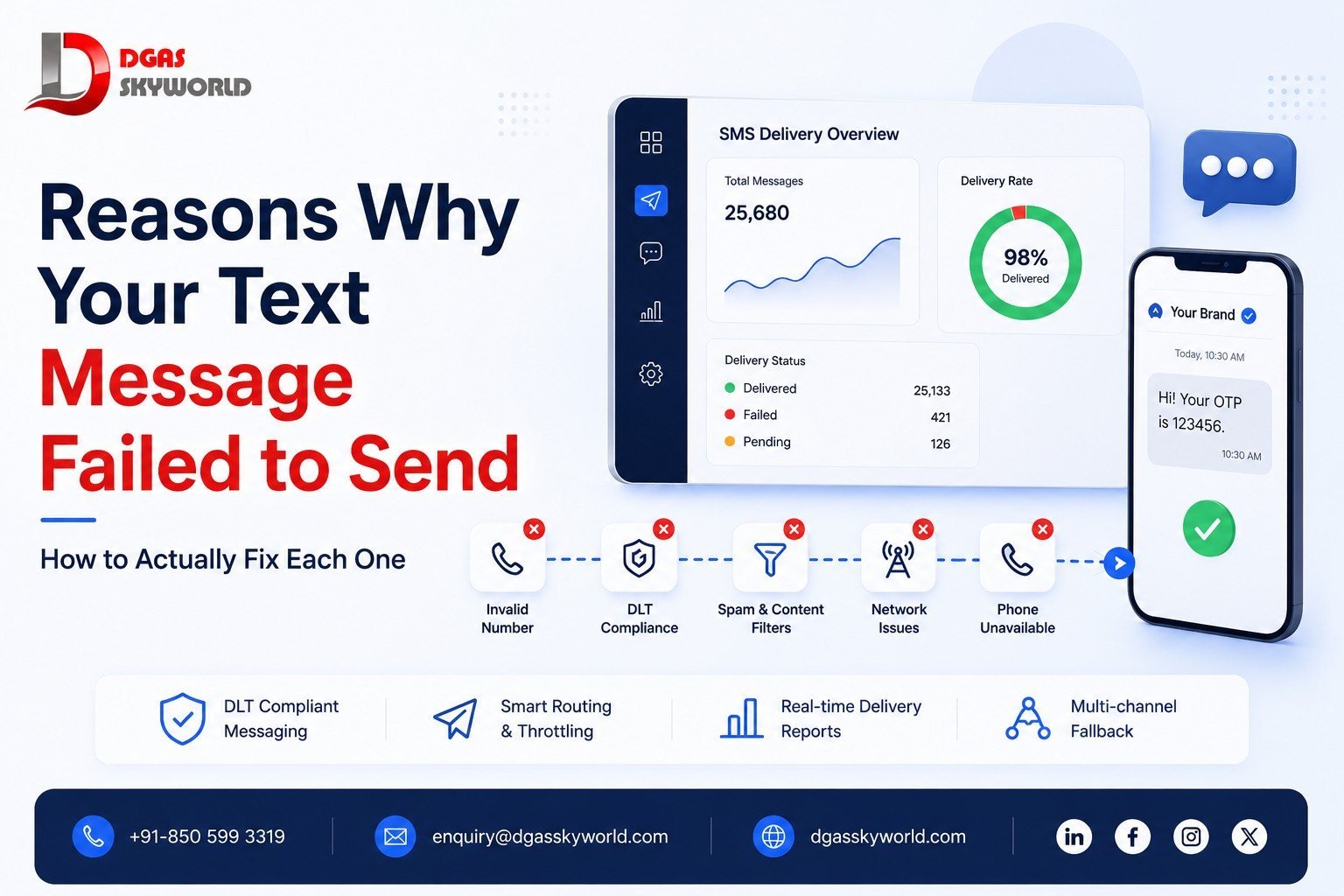
- 17 Reasons Why Text Messages Fail to Send (And How to Fix Each One) — the troubleshooting guide for when OTPs go missing.
- DGAS Skyworld’s Transactional SMS service — the underlying infrastructure for sending OTPs at scale with DLT compliance built in.
SMS verification FAQs
What is a verification code used for?
A verification code, or OTP, confirms that the person accessing an account is the one who actually owns the registered phone number or email address. It’s used during logins, sign-ups, password resets, and financial transactions to add a second layer of security beyond a password.
Why haven’t I received my SMS verification code?
The most common causes are weak network signal, an incorrectly entered phone number, carrier-side message filtering, or a temporary delay in the sending system. If it doesn’t arrive within a couple of minutes, try requesting a new code or switch to a fallback channel like voice or WhatsApp.
Is SMS verification safe to use?
Yes, for the vast majority of everyday logins and transactions. It’s significantly more secure than a password alone, though it isn’t immune to sophisticated attacks like SIM swapping. High-risk actions — large fund transfers, admin account access — are safer when paired with a second method like biometrics or an authenticator app.
What’s the difference between an SMS confirmation code and a verification code?
Functionally, they’re the same thing — a short, temporary code sent to confirm identity. “Confirmation code” tends to show up more in order and transaction contexts, while “verification code” is used more broadly for logins and account security.
How do businesses send SMS verification codes to customers?
Businesses use an SMS gateway or verification API that generates a random OTP, routes it through telecom carriers via a DLT-compliant sender ID, and validates the code once the user enters it. Providers like DGAS Skyworld handle this entire pipeline — from DLT registration to delivery to fallback channels — through a single API.
Can SMS verification codes be sent internationally?
Yes, but delivery speed and compliance rules vary by country. A provider with direct carrier connections across multiple regions, rather than one relying on resellers, will generally deliver faster and more reliably outside its home market.
How do you bypass SMS verification?
Bypassing SMS verification typically involves illegitimate methods like SIM swapping or phishing to intercept a code meant for someone else, and neither is legal nor advisable. If you’re trying to sign up for a service without sharing your personal number, a legitimate temporary or virtual number is the safer route — not an attempt to circumvent someone else’s security.
How do I enable SMS authentication on my account?
Most platforms let you turn on SMS verification during account setup or from the security settings of an existing account. Look for a “Two-Factor Authentication” or “Login Verification” section, add your phone number, and confirm it with the code sent to you.
Wrapping up
SMS verification isn’t flashy, but it’s the quiet workhorse behind almost every secure login you’ve completed this year. It’s cheap, it’s familiar, and it works on any phone with a signal — which is exactly why it hasn’t been replaced despite newer authentication methods entering the market.
The part that actually determines whether it works well for your business isn’t the concept — it’s the infrastructure behind it: how fast the code arrives, whether it survives network congestion, and whether you’re DLT-compliant enough that your messages don’t get silently filtered out. That’s the layer most businesses underestimate until an OTP fails during a live transaction.
If you’re setting up or upgrading your verification flow, DGAS Skyworld’s omnichannel CPaaS platform brings SMS, Voice, WhatsApp, and RCS verification together under one API and one dashboard — built specifically for the delivery speed and compliance requirements Indian businesses actually deal with. Book a free demo to see how it fits into your existing sign-up or login flow.