WhatsApp Business for Event Management: Automate Invitations, Registrations, RSVPs & Attendee Engagement
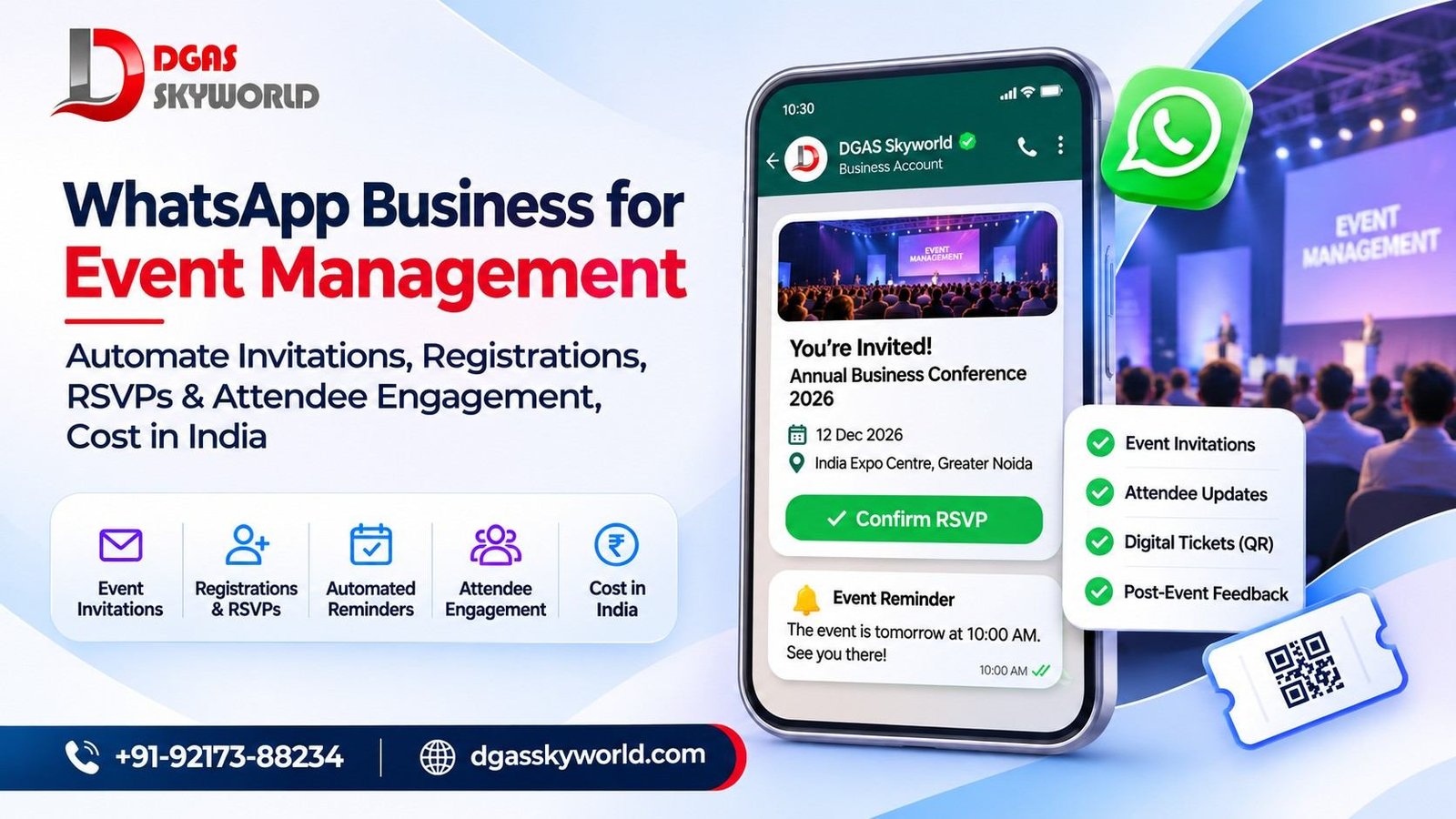
WhatsApp Business for event management puts invitations, RSVPs, e-tickets, QR check-in, reminders and attendee communication in the app guests already open every day. This guide by DGAS Skyworld explains how the WhatsApp API works for event planners, which templates to start with and what it costs in India.
Why Use WhatsApp Business for Event Management?
- India’s organised events industry contributes ₹3.5–4 lakh crore to the economy and supports 1 crore+ jobs, according to EEMA. A BookMyShow–EY report sizes live events at ₹13,000 crore.
- WhatsApp has 3 billion+ monthly users (Infobip) and a 98% average open rate (WhatsApp Business).
- PheedLoop’s Event Data Lab reports a 20% median no-show rate: about 28% for free events and 17% for paid ones.
- Plan RSVPs with one formula: capacity ÷ show rate. A 100-seat room at a 70% show rate needs about 143 RSVPs (TickPick).
Reminders close that gap, which is why WhatsApp Business for event management starts with the RSVP and ends with feedback.
WhatsApp API for Event Management vs the Free App
The free app caps broadcasts at 256 contacts and has no automation. The WhatsApp Business API for Event Management has no such cap and adds a shared inbox, chatbot, CRM sync and analytics. It runs through a Business Solution Provider like DGAS Skyworld, which handles Meta verification, WABA setup and template approval in days. For a 20-guest dinner the free app is enough; for WhatsApp Business for event management at scale, use the API. New to it? Read what is WhatsApp Business API.
WhatsApp Business API for Event Management Software
Connect ticketing, CRM and sheets so every RSVP lands in one record. Zapier shows Eventbrite triggering a WhatsApp message when a new event goes live, and DGAS offers 100+ integrations.
How to Use WhatsApp API for Event Registration & RSVPs
- Get API access: DGAS handles Meta verification, WABA creation and number registration.
- Collect opt-in: use the registration form, a venue QR code or a Click-to-WhatsApp ad, and keep event-logistics consent separate from promotional consent.
- Send the invite: one template with Yes / No quick-reply buttons and a Register button that opens a personalised link.
- Confirm instantly: send the e-ticket PDF with a QR code for check-in, plus a map pin.
- Remind and follow up: we suggest 7 days, 24 hours and 2 hours before, then a post-event feedback request to measure attendee engagement.
WhatsApp Marketing for Event Management: Message Types
| Stage | Message type | Use |
|---|---|---|
| Invite | Template + quick reply | 1-tap RSVP |
| Tickets | Document message | PDF e-ticket |
| Payment | Order details (Razorpay / PayU) | Pay inside chat |
| Venue | Location message, location request | Map pin, shuttle pickup |
| Agenda | Interactive list | Session menu |
| Speakers | Carousel template (up to 10 cards) | Speaker cards |
| Offers | Coupon code, limited-time offer | Early-bird codes |
These message types cover conferences, trade shows, exhibitions, webinars, weddings and corporate events: guest list management, session reminders, lead capture and live event updates in one chat. Segment broadcasts by role (attendees, speakers, sponsors, exhibitors) so each group gets only its own updates.
8 Ways to Use WhatsApp Business for Event Management
WhatsApp Business for event management automates the full attendee journey, from the first invite to post-event feedback. Here are 8 practical ways to use the WhatsApp Business API for event management.
1. Automated Event Invitations
Send personalised invitations to opted-in contacts with event dates, venue details, registration links, images and call-to-action buttons. Segment your audience by previous attendance, location, interests and event preferences so each invitation stays relevant.
2. Event Registration and RSVPs on WhatsApp
WhatsApp Business for event management integrates with registration forms, websites and CRM systems. When someone shows interest, an AI chatbot collects:
- Full name and contact information
- Email address and company name
- Number of attendees
- Preferred event date or session
- Ticket category and other relevant details
Registration data then flows into your connected event management software.
3. Digital Tickets and QR Codes
After registration or payment, attendees receive digital tickets, booking confirmations and personalised QR codes on WhatsApp. Connect your ticketing software to the API to generate and send unique passes for faster check-in.
4. Automated Event Reminders
Scheduled reminders reduce forgotten registrations and no-shows:
- 7 days before: event schedule and preparation details
- 1 day before: reminder and venue location
- 1 hour before: entry instructions and joining link
- At event time: important announcements
5. Real-Time Event Updates
Schedules change without warning. With WhatsApp for event management, organisers announce venue changes, speaker announcements, revised timings, parking arrangements and session updates within minutes.
6. AI-Powered Event Support
An AI WhatsApp chatbot answers common questions so your team does not reply to every enquiry:
- Event timings and locations
- Registration and ticket availability
- Ticket categories and pricing
- Speaker information and schedules
- Parking and accommodation
- Refund and cancellation policies
Complex queries move to human agents through a shared inbox. This is the helpdesk layer of WhatsApp Business for event management.
7. WhatsApp Marketing for Event Management
Use WhatsApp Marketing for Event Management to promote conferences, exhibitions, workshops and product launches. Send personalised campaigns, early-bird announcements and invitations to past attendees who have given consent. Segmentation keeps promotions relevant instead of sending the same message to everyone.
8. Post-Event Feedback and Engagement
Communication does not end when the event does. Send thank-you messages, feedback forms, photos, presentation materials and recordings. Create separate follow-up campaigns for attendees, no-shows, speakers and sponsors. This closing step makes WhatsApp Business for event management a full-lifecycle channel, not just an invitation tool.
WhatsApp Business Message Templates for Event Management
Meta approves every template and decides its final category. Use realistic sample values when you submit: very short samples can cause truncation or delivery failures once real names and venues are filled in. Start with these:
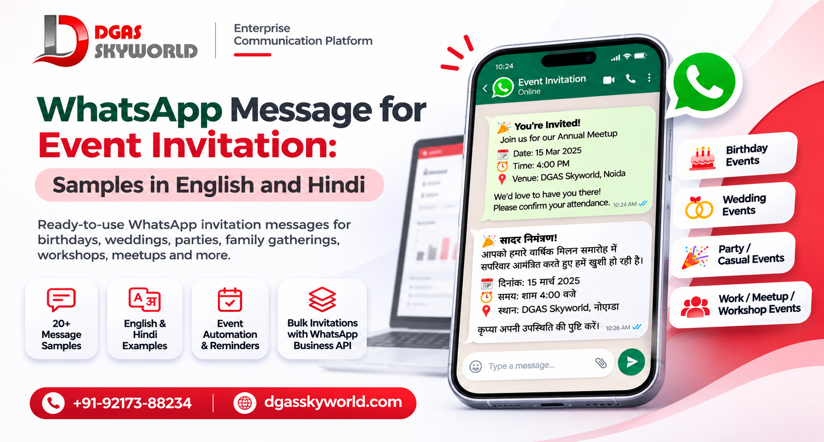
- Invite (Marketing): “Hi {{1}}, you’re invited to {{2}} on {{3}} at {{4}}, {{5}}. Will you attend?” Buttons: Yes, I’ll come | Can’t make it
- Confirmation (Utility): “Hi {{1}}, your seat for {{2}} is confirmed. Ticket ID: {{3}}. Venue: {{4}}.”
- Reminder (Utility): “Reminder: {{1}} starts tomorrow at {{2}}, {{3}}. Reply HELP for support.”
- Feedback: “Thanks for attending {{1}}! How was it?” Buttons: Great | Okay | Poor
More samples: WhatsApp message for event invitation.
WhatsApp Business for Event Planning: Chatbot and Helpdesk
Planners lose hours answering the same venue, parking and schedule questions. An AI chatbot replies 24/7 and hands complex queries to your team’s shared inbox. Broadcasts also push last-minute venue or schedule changes to every attendee. DGAS cites lead replies in under 5 seconds and up to 80% of conversations automated. See the best WhatsApp chatbot for business in India.
WhatsApp Business for event management also helps agencies and wedding planners before the booking: capture each enquiry instantly with event type, date, city, guest count and budget, follow up quiet quotes automatically, send payment-milestone reminders for the advance and balance, and share one brief with vendors and venues. Keep guest lists private and honour opt-outs, in line with India’s DPDP Act.
WhatsApp Business for Event Management in India: Cost Breakdown
WhatsApp Business for event management cost in India has two layers: the per-message WhatsApp fee and your provider’s platform fee. WhatsApp charges ₹1.05 per delivered promotional or marketing message and ₹0.15 per utility or authentication message, before 18% GST. Check Meta’s rate card for current rates. From 1 October 2026, the first 1,000 service replies per month per number are free.
Example (our calculation), 5,000 guests: 1 invite × ₹1.05 = ₹5,250, 1 confirmation × ₹0.15 = ₹750, 2 reminders × ₹0.15 = ₹1,500. Total: ₹7,500 before GST (about ₹8,850 with 18% GST), or ₹1.50 per guest, excluding the DGAS platform fee. Message only opted-in guests. For a quote, contact DGAS.
Why Choose DGAS Skyworld for WhatsApp Business for Event Management?
DGAS Skyworld provides an omnichannel CPaaS platform that helps businesses manage customer communication through WhatsApp, SMS, RCS, Email, Voice and AI Chatbots.
For event management companies, this means communication can extend beyond a single messaging channel.
What DGAS Skyworld brings to event organisers:
- AI WhatsApp Chatbot: Automate event enquiries and attendee support 24/7.
- Bulk WhatsApp Campaigns: Send invitations, announcements and promotional campaigns to opted-in audiences.
- Automated Follow-ups: Schedule registration reminders and attendee follow-ups.
- Shared Team Inbox: Allow multiple event coordinators to manage conversations.
- API Integration: Connect WhatsApp with websites, CRM systems and event management software.
- Analytics: Monitor message delivery, campaign performance and customer interactions.
- Omnichannel Communication: Combine WhatsApp with SMS, Email, RCS and Voice for broader communication coverage.
DGAS Skyworld platform credentials:
These are the published numbers behind our WhatsApp Business for event management offering.
| Metric | Number |
|---|---|
| Active users | 12,000+ |
| User rating | 4.3+ |
| Trusted partners and government organisations | 500+ |
| Government and PSU projects delivered | 10+ |
| Operating since | 2017 |
| Countries served (WhatsApp API) | 10+ |
| Average WhatsApp open rate | 98% |
| Lead reply time | Under 5 seconds |
| Conversations automated | Up to 80% |
| Setup time | Days, not weeks |
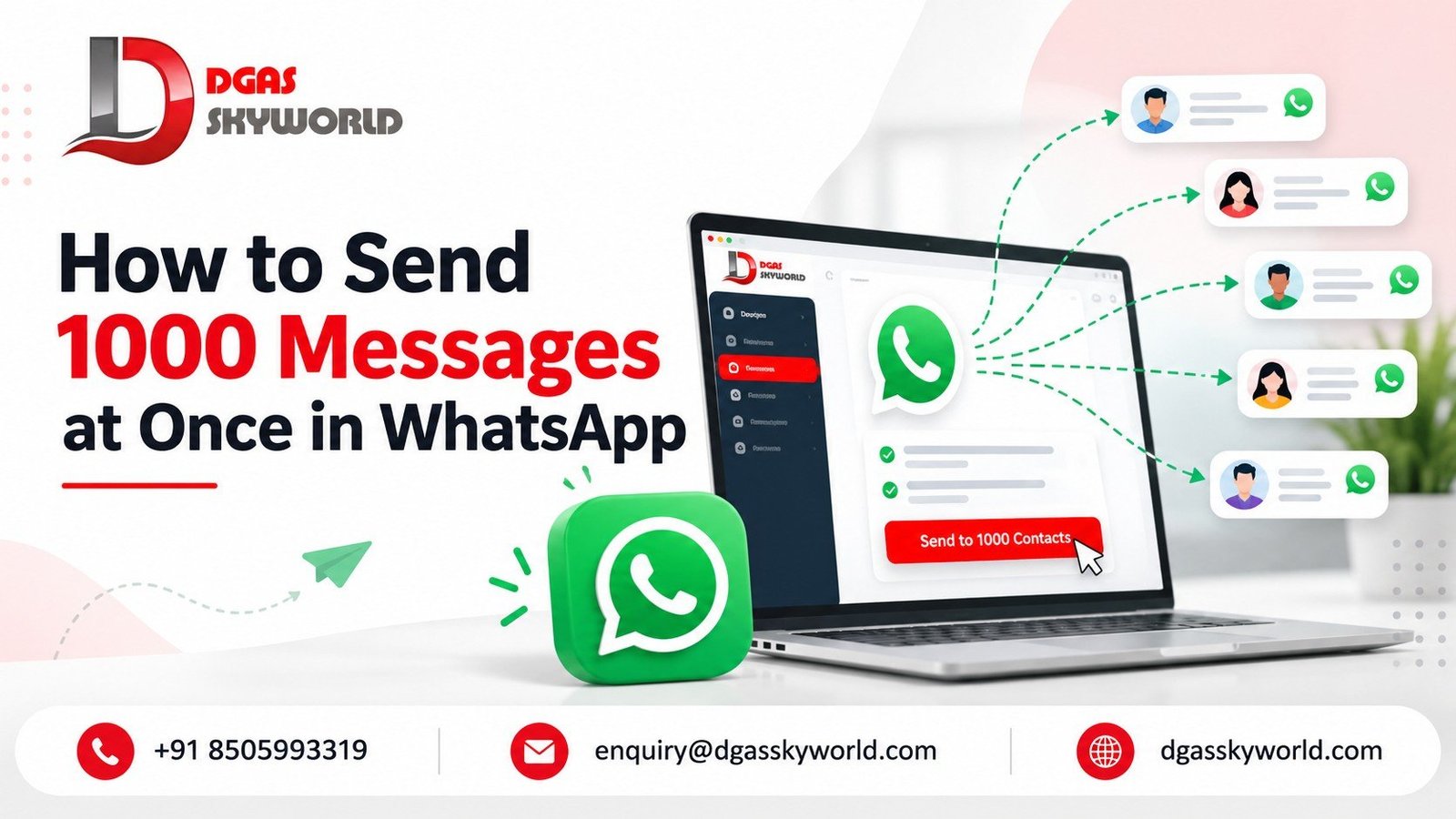
DGAS also runs SMS and RCS on one omnichannel CPaaS platform, so guests without WhatsApp are still reachable. Learn more about the WhatsApp Business API or read how to send 1000 messages at once in WhatsApp.
Book a free demo | Call +91-92173-88234.
FAQs: WhatsApp Business for Event Management
Can I use WhatsApp Business for event management?
Yes. WhatsApp Business for event management works best with the API, which supports bulk invites, RSVP buttons, reminders and a shared inbox.
What is the WhatsApp API for event management?
It is Meta’s business messaging platform, accessed through a provider like DGAS, that automates invites, confirmations, tickets and reminders at scale.
How do I collect RSVPs on WhatsApp?
Send an approved template with Yes / No quick-reply buttons and sync replies to your CRM or event software.
How much does WhatsApp Business for event management cost in India?
WhatsApp charges ₹1.05 per delivered marketing message and ₹0.15 per utility or authentication message before GST, plus your provider’s fee. A 5,000-guest event with 1 invite, 1 confirmation and 2 reminders is about ₹7,500 in message fees.
Do I need guest opt-in?
Yes. Business-initiated messages need opt-in and approved templates.
How many guests can I message at once?
The free app limits broadcasts to 256 contacts. The API has no such cap.
Which event tools can I connect?
Ticketing platforms like Eventbrite, CRMs and Google Sheets, through DGAS integrations.
How long does setup take?
Usually a few days, depending on Meta verification and template approval.
Can I see who read the invitation?
The dashboard shows sent, delivered and replied status for each guest. Read status appears only where the guest has read receipts on.
Can I message speakers, sponsors and exhibitors too?
Yes. WhatsApp Business for event management lets you segment lists by role and send each group its own templates, such as speaker briefs and sponsor updates.
Can attendees pay for tickets on WhatsApp?
Yes. The API supports in-chat payment requests through gateways like Razorpay and PayU, so guests can pay without leaving the chat.
Conclusion: WhatsApp Business for Event Management
WhatsApp Business for event management turns RSVPs, tickets and reminders into one automated chat. Book a free demo, contact DGAS Skyworld or call +91-92173-88234.
Ready to automate your event communication?
Book a free demo | Call +91-92173-88234.