How to Send 1000 Messages at Once in WhatsApp | DGAS Skyworld Platform
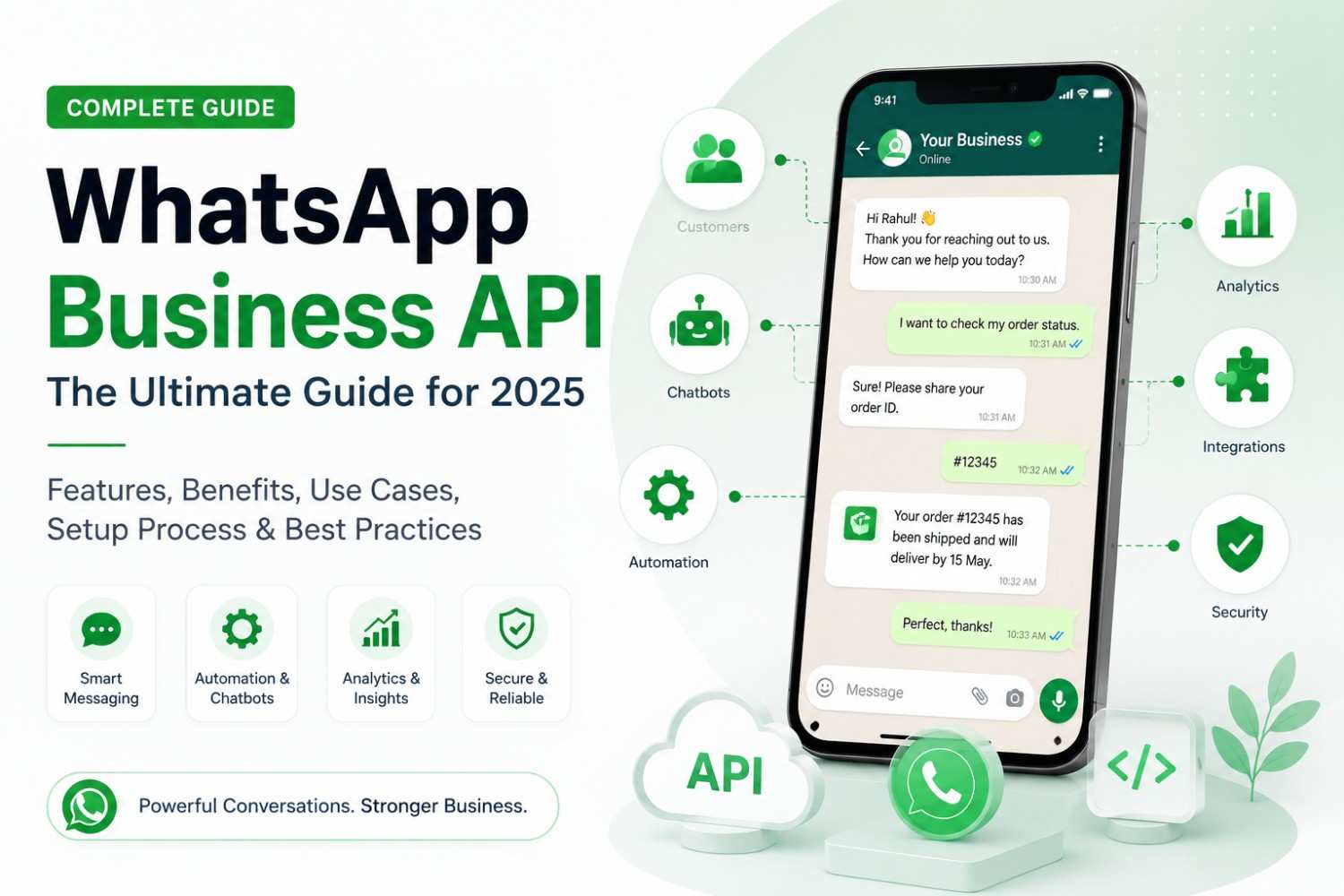
If you are looking for how to send 1000 messages at once in WhatsApp. One thing you must have to know that sending 1000 messages at once to one person is a spam thing. Sending 1000 messages to different persons is a legal thing and it is possible using DGAS Skyworld’s WhatsApp business API. This is a official whatsapp api and with it you can send product updates, promotional offers, appointment reminders, event invitations, and important business notifications.
Understanding how to send 1000 messages at once in WhatsApp starts with choosing between the WhatsApp Business app and the official WhatsApp Business Platform. The app works well for smaller customer lists, while the platform supports businesses that need scalable messaging, approved templates, automation, and campaign reporting.
In this guide, DGAS Skyworld explains the available methods, their limitations, potential costs, and the steps you can follow to run a more effective WhatsApp messaging campaign.
Can You Send 1,000 Messages at Once on WhatsApp?
Yes, businesses can reach 1,000 recipients through WhatsApp, but the method matters.
The regular WhatsApp Business app supports broadcast lists with up to 256 contacts per list. Recipients generally need to have saved your business number in their address books to receive these broadcast messages. WhatsApp also notes that monthly broadcast limits may apply in some countries.
For a business that wants to contact 1,000 opted-in customers, the official WhatsApp Business Platform is usually a more practical option. It supports business messaging through software and APIs, subject to the account’s messaging limits, template requirements, and WhatsApp policies.
Here is a quick comparison:
| Method | Best suited for | Main limitation |
|---|---|---|
| WhatsApp Business broadcast lists | Small customer groups | Up to 256 contacts per list; recipients must save your number |
| Unofficial bulk-sending extensions | Not recommended for business campaigns | Policy, privacy, account restriction, and security risks |
| Official WhatsApp Business Platform/API | Larger campaigns and ongoing business communication | Requires appropriate setup, consent, and compliance with messaging rules |
If you are researching how to send 1000 messages at once in WhatsApp, begin by checking whether your current tool can support the required audience and campaign workflow.
Method 1: Use WhatsApp Business Broadcast Lists
WhatsApp Business broadcast lists are useful when you have a relatively small customer base and want to share the same update with multiple contacts.
A broadcast sends the message separately to each recipient rather than creating a shared group conversation. Customers cannot see one another’s replies through the broadcast itself.
How to create a broadcast list
- Open the WhatsApp Business app on your phone.
- Navigate to the broadcast feature. The exact menu may differ between Android and iPhone.
- Select the customers you want to include.
- Create the broadcast list.
- Write your message and review the recipients.
- Send the message to your selected audience.
Each list can contain up to 256 contacts. To reach 1,000 people, you would need at least four lists if every list were filled to capacity.
However, creating multiple lists does not guarantee that all 1,000 recipients will receive your message. Recipients must meet the applicable broadcast requirements, and your campaign must respect WhatsApp’s messaging rules.
Advantages
- No separate bulk-messaging platform is required.
- Simple to use for smaller campaigns.
- Suitable for updates to existing customers.
- Replies appear as individual conversations.
Limitations
- Managing several lists becomes time-consuming.
- Recipients must generally save your number.
- Campaign scheduling and large-scale automation are limited.
- Reporting and campaign-level analysis are less comprehensive than dedicated business messaging platforms.
For the latest instructions, consult WhatsApp’s official guide on how to use broadcast lists.
Method 2: Use the Official WhatsApp Business Platform/API
For businesses that regularly communicate with 1000 or more of customers, the official WhatsApp Business Platform is generally the better choice.
It allows businesses to connect WhatsApp messaging with a software dashboard, CRM, chatbot, customer database, or other business systems. This makes it easier to manage campaigns without manually creating multiple broadcast lists on a phone.
The platform is designed for medium and large businesses that need to manage higher volumes of customer conversations. Sending a campaign still depends on the business’s messaging limits, approved templates where required, recipient consent, and applicable policies.
How to send 1,000 WhatsApp messages through an API platform
Step 1: Choose a suitable WhatsApp API provider
Select a provider that offers access to the official WhatsApp Business Platform. Review its onboarding process, technical support, pricing, security controls, reporting, and integration options.
DGAS Skyworld offers WhatsApp Business API solutions for businesses looking to manage customer communication, automate conversations, and run messaging campaigns.
Step 2: Complete the required business setup
Follow the provider’s onboarding process and the requirements shown in your Meta business account. Depending on your circumstances, you may need to complete business verification, connect a phone number, configure your business profile, and obtain the necessary permissions.
Your provider should explain the requirements applicable to your account rather than promise that every business will receive the same sending capacity immediately.
Step 3: Collect customer consent
Before sending promotional messages, make sure recipients have agreed to receive the relevant type of communication from your business.
You can collect consent through website forms, checkout pages, subscription forms, event registrations, or other appropriate customer touchpoints. Explain what customers are signing up for and retain a record of their preferences.
Avoid purchased, scraped, or otherwise unauthorized contact lists.
Step 4: Prepare your contact list
Organize your customer data in a spreadsheet or CRM. Include the fields required by your platform, such as phone number and customer name, and remove invalid or duplicate records.
You can also segment the list by customer type, previous purchase, location, interests, or campaign objective. Segmentation helps you send more relevant messages instead of distributing the same offer to everyone.
Step 5: Create an approved message template
When your business initiates a conversation outside the applicable customer-service window, an approved message template is generally required.
Create a clear message that explains the offer, update, or purpose of the communication. Add personalization fields only where they provide genuine value. Submit the template for review and wait for approval before using it where approval is required.
Step 6: Review and launch the campaign
Select your intended audience, choose the appropriate approved template, and review the message, links, recipient list, and estimated charges.
Confirm that your account can message the intended number of unique recipients within its current limit. If your list exceeds that limit, plan a compliant campaign schedule rather than trying to bypass the restriction.
Step 7: Monitor the results
After sending, review the reports available in your platform. Depending on the provider and integration, you may be able to monitor delivery status, reads, clicks, replies, leads, and conversions.
Use these results to improve your next campaign.
WhatsApp Business App vs WhatsApp Business API
Choosing the right tool is an important part of learning how to send 1000 messages at once in WhatsApp effectively.
| Feature | WhatsApp Business app | WhatsApp Business Platform/API |
|---|---|---|
| Typical use | Small business communication | Scalable business messaging |
| Broadcast list limit | Up to 256 contacts per list | Depends on applicable account messaging limits |
| Saved contacts | Broadcast recipients generally must save your number | Recipients do not need to save your number merely to receive an API message |
| Automation | Basic messaging tools | API-driven workflows, integrations, and automation |
| Message templates | App-specific features and rules | Approved templates required for applicable business-initiated messages |
| CRM integration | Limited compared with API solutions | Available through supported integrations |
| Campaign reporting | Basic, depending on feature availability | More detailed reporting may be available through the provider |
| Pricing | Some app messaging features may be free; paid business broadcasts are available in supported markets | Meta messaging charges and any applicable provider or software fees |
The right choice depends on how frequently you message customers. A local shop contacting a small list may be comfortable with the app. A growing company running regular campaigns, automated follow-ups, or customer-service workflows will usually benefit from an API-based solution.
Can You Send 1,000 WhatsApp Messages for Free?
Not necessarily.
The standard WhatsApp Business app is free to download, and its basic features may be sufficient for smaller customer lists. However, the app’s broadcast capacity is limited, and paid business-broadcast features are available in supported markets.
The official WhatsApp Business Platform also involves costs that can vary according to the recipient’s country, message category, current Meta pricing rules, and the software or provider you choose.
Your total cost may include:
- Meta’s applicable messaging charges.
- The provider’s subscription or platform fee, if any.
- Integration, onboarding, or additional software charges, if applicable.
For example, sending a promotional campaign to 1,000 opted-in recipients may cost more than sending a different type of business message. You should not assume that all message categories have the same rate.
Before launching, request the current WhatsApp Business Platform pricing information. Pricing and features can change, so avoid relying on old per-message figures published.
How to Send WhatsApp Messages Without Saving Contacts
This is a common requirement for sales teams, eCommerce companies, educational institutions, and service businesses that maintain customer records in a CRM or spreadsheet.
With the official WhatsApp Business Platform/API, your business can use eligible customer phone numbers from its messaging system without adding every recipient to a phone’s address book.
Follow these steps:
- Collect the customer’s phone number and relevant consent.
- Store the information securely in your CRM or approved messaging platform.
- Validate and clean the contact list.
- Segment recipients according to their preferences and the campaign’s purpose.
- Use an approved template when required.
- Review your audience and send within your account’s applicable messaging limits.
Remember that not needing to save a number does not mean you can message that person without permission. Consent, message relevance, and compliance remain important.
Avoid browser extensions or unofficial tools that promise unlimited bulk sending by automating an ordinary WhatsApp account. Such tools can create account, data-security, and policy risks.
How to Send 1000 Messages at Once in WhatsApp Without Account Restrictions
No method can guarantee that an account will never be restricted. However, you can reduce avoidable risks by following WhatsApp’s policies and respecting your recipients.
1. Use an appropriate official messaging channel
For recurring, high-volume business campaigns, use the official WhatsApp Business Platform rather than an unauthorized sender or modified application.
2. Message people who opted in
Send relevant messages only to people who agreed to receive that type of communication. Keep evidence of consent and remove contacts who withdraw permission.
3. Follow template requirements
Use approved templates for business-initiated messages when required. Make sure the message matches the approved purpose and applicable rules.
4. Keep messages useful and relevant
Avoid misleading offers, excessive promotional messages, and content unrelated to the customer’s interests. Personalize messages only with accurate information.
5. Respect opt-out requests
Provide a clear way for customers to stop receiving promotional messages and promptly honor their requests. Maintain a suppression list so opted-out contacts are not added to later campaigns.
6. Monitor feedback and message quality
Pay attention to delivery failures, customer complaints, blocks, and other available quality indicators. Pause and investigate a campaign if you notice unusual problems.
7. Follow your account’s sending limits
A list of 1,000 contacts does not automatically mean every account can initiate 1,000 conversations immediately. Check your current messaging capacity and campaign eligibility in the relevant account dashboard.
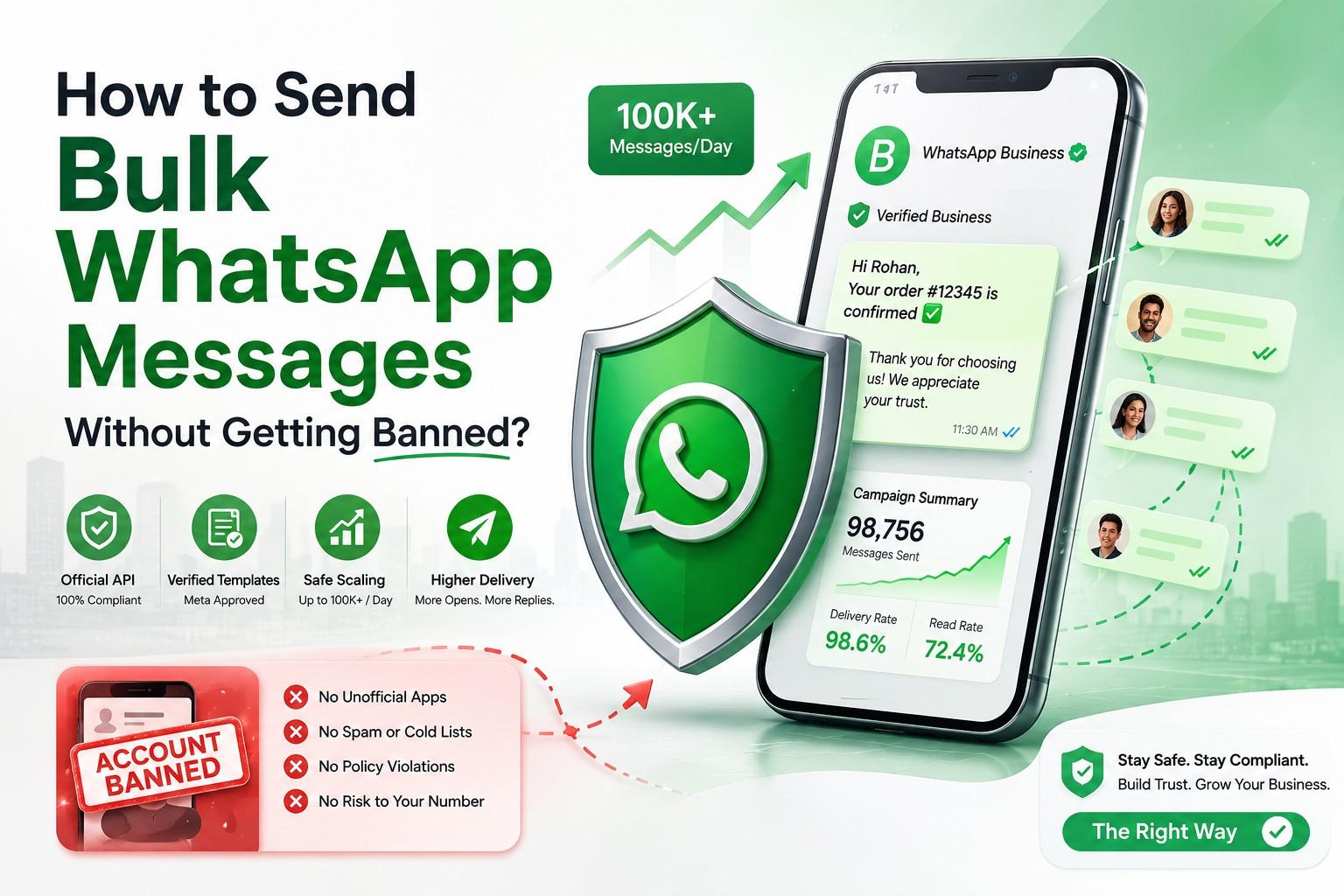
For additional guidance, read DGAS Skyworld’s article on how to send bulk WhatsApp messages without getting banned.
Tips to Improve Your WhatsApp Bulk Messaging Results
Once you know how to send 1000 messages at once in WhatsApp, focus on the quality of the campaign rather than the number of messages sent.
Segment your audience. Separate new leads, existing customers, repeat buyers, and inactive customers. Give each group information that matches its needs.
Personalize the message. Use relevant details such as a customer’s name, appointment time, or order status where appropriate. Check your data before sending so customers do not receive incorrect information.
Write a clear opening. Tell recipients who you are and why you are contacting them. Keep the main point easy to understand.
Use one clear call to action. Ask customers to take a specific next step, such as viewing a product, confirming an appointment, or contacting your team.
Choose the right time. Consider customer time zones, business hours, and the nature of the message. Avoid unnecessary or intrusive messaging.
Test before launching. Send a test to internal numbers and check formatting, links, variables, and media. This can prevent mistakes across the full campaign.
Track meaningful outcomes. Measure replies, qualified leads, bookings, purchases, and opt-outs alongside delivery statistics. A large delivery count is not the same as a successful campaign.
Connect messaging with your existing systems. CRM integrations and automation can reduce manual work and help teams maintain consistent customer records.
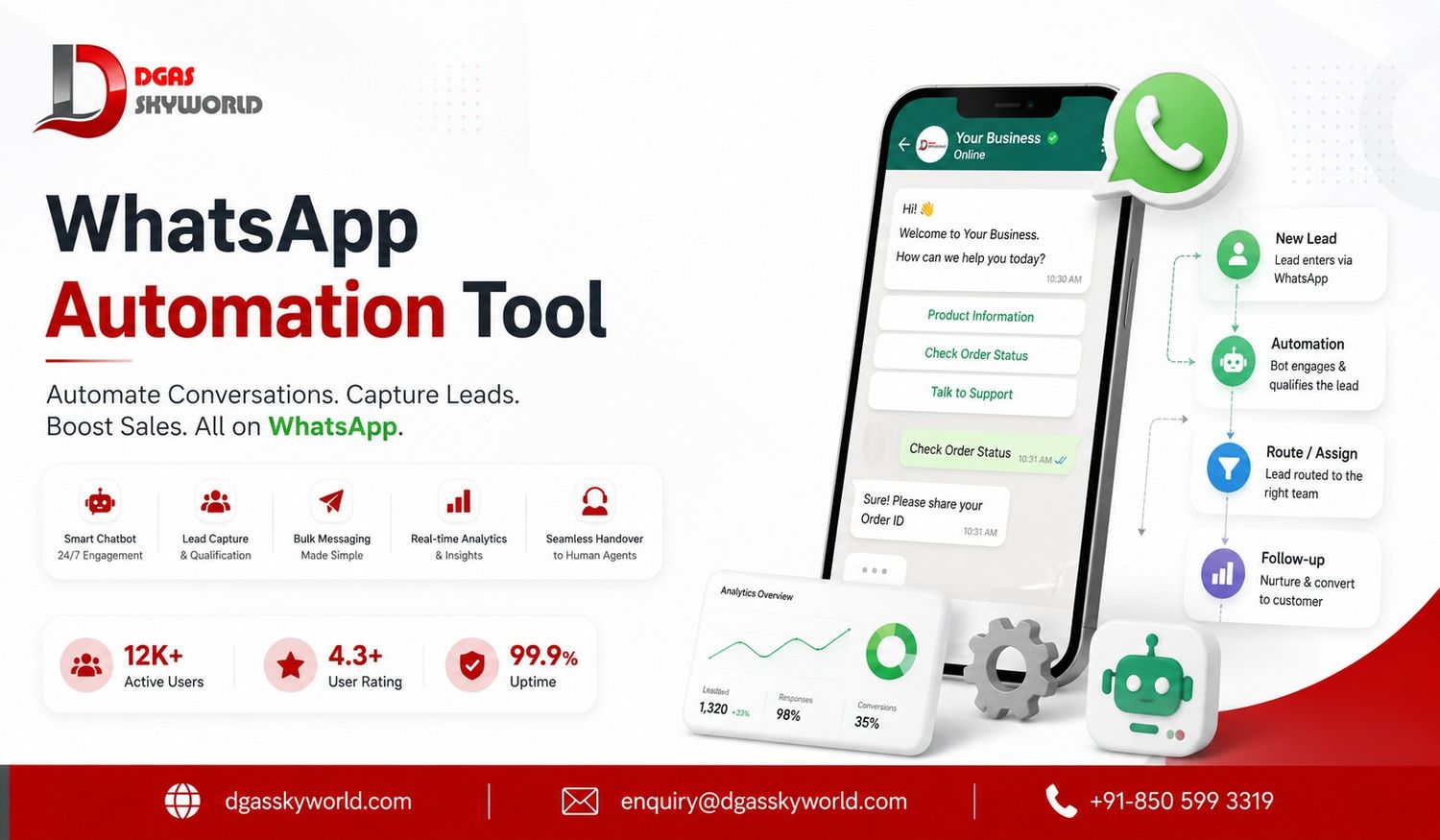
If you want to automate welcome messages, reminders, or follow-ups, read DGAS Skyworld’s guide to how to send automated messages on WhatsApp.
How DGAS Skyworld Can Help With WhatsApp Business Messaging
DGAS Skyworld provides business communication solutions through its CPaaS platform, including WhatsApp Business API, Bulk SMS, RCS messaging, Email API, voice solutions, and AI chatbots.
For businesses planning to send WhatsApp campaigns to large customer lists, the relevant requirements may include campaign management, template handling, customer segmentation, automation, CRM integration, and reporting.
The right configuration depends on your use case, message volume, existing systems, and compliance requirements. Before choosing a solution, discuss your requirements with the provider and confirm which features, integrations, pricing, and reporting options are available for your account.
If your business is exploring how to send 1000 messages at once in WhatsApp, DGAS Skyworld can help you evaluate an API-based approach for your communication needs.
Ready to explore WhatsApp Business API for your business? Contact DGAS Skyworld to discuss your requirements.
FAQ: How to Send 1000 Messages at Once in WhatsApp
1. How can I send 1,000 WhatsApp messages at once?
For a large business campaign, use the official WhatsApp Business Platform/API with an eligible account, an opted-in contact list, and approved templates where required. The regular app supports broadcast lists of up to 256 contacts each.
2. Can I send 1,000 WhatsApp messages for free?
You may be able to send smaller broadcasts using the free WhatsApp Business app, subject to its limits and requirements. Reaching 1,000 recipients may involve additional work or paid business-broadcast features. API messaging can also incur Meta and provider charges.
3. Can I send bulk WhatsApp messages without saving contacts?
Yes. The official WhatsApp Business Platform/API can send messages to eligible phone numbers held in your business system without requiring each number to be saved in your phone’s address book. You must still follow consent and messaging policies.
4. What is the broadcast limit on WhatsApp Business?
A standard broadcast list can include up to 256 contacts. Recipients generally need to have saved your business number. Additional broadcast limits or paid features may apply in some regions.
5. How much does it cost to send 1,000 WhatsApp messages?
The total depends on current Meta rates, recipient countries, message categories, delivery, and any provider or software fees. Check the current pricing information and get a campaign-specific estimate before sending.
6. Do I need the WhatsApp Business API to send 1,000 messages?
Not necessarily in every circumstance, because multiple broadcast lists may reach that many contacts if all requirements are met. However, the official API is usually more practical for recurring campaigns, automation, integrations, and larger contact lists.
7. Can I schedule 1,000 WhatsApp messages?
Scheduling and campaign management may be available through a suitable WhatsApp Business Platform provider. Check that the chosen platform supports scheduling and that your campaign complies with template, consent, and account-limit requirements.
8. Will sending 1,000 messages get my WhatsApp account banned?
The number of recipients alone does not determine the outcome. Unwanted messages, unauthorized automation, misuse of contact data, and repeated reports can lead to restrictions or bans. Use an appropriate official channel and follow WhatsApp’s policies.
9. Can I send promotional messages and order updates using the same template?
Not automatically. Templates must match their approved purpose and category. Promotional messages and transactional updates may require different templates and treatment under WhatsApp’s rules.
10. How can I track the results of a WhatsApp campaign?
Depending on your platform, you can review delivery status, reads, clicks, replies, leads, and conversions. Use these metrics to understand campaign performance and improve future messaging.
Conclusion: How to Send 1000 Messages at Once in WhatsApp
Learning how to send 1000 messages at once in WhatsApp is about choosing a method that fits your audience, budget, and business needs. Broadcast lists can work for small groups, while the official WhatsApp Business Platform/API is generally better for scalable messaging, automation, and reporting.
Before sending, confirm your account’s current limits, obtain appropriate consent, use approved templates where required, and give customers a clear way to opt out. Avoid unauthorized bulk-sending tools and focus on sending relevant messages to people who want to hear from your business.
For businesses that need a more structured messaging workflow, DGAS Skyworld offers communication solutions that can help bring WhatsApp and other business messaging channels into a broader communication strategy.
Ready to explore WhatsApp Business API for your business? Contact DGAS Skyworld to discuss your requirements.