WhatsApp Automation Tool for Business | 2026 Guide | Features, Pricing & Setup
A shop owner in Karol Bagh once told me something that stuck with me: “Mera customer WhatsApp pe hi puchta hai, phone pe baat karne ka time hi nahi hai unke paas.” His customer wasn’t going to call. She wasn’t going to fill out a contact form either. She typed “hi” into his WhatsApp number at 9:40 PM, waited eleven minutes for a reply, and by the time he wrote back, she’d already messaged two other sellers.
That eleven-minute gap is the entire reason WhatsApp automation exists.
We’ve set up WhatsApp automation for clients across real estate, healthcare, and D2C over the past year — some using DGAS Skyworld’s own WhatsApp Business API stack, some starting from scratch on a client’s existing number. This guide is written from that hands-on side, not from a features brochure. If you’re trying to figure out what a WhatsApp automation tool actually does day to day, whether it’s worth setting up, and what to check before you commit to one, this should answer it properly.
What Is a WhatsApp Automation Tool, Really?
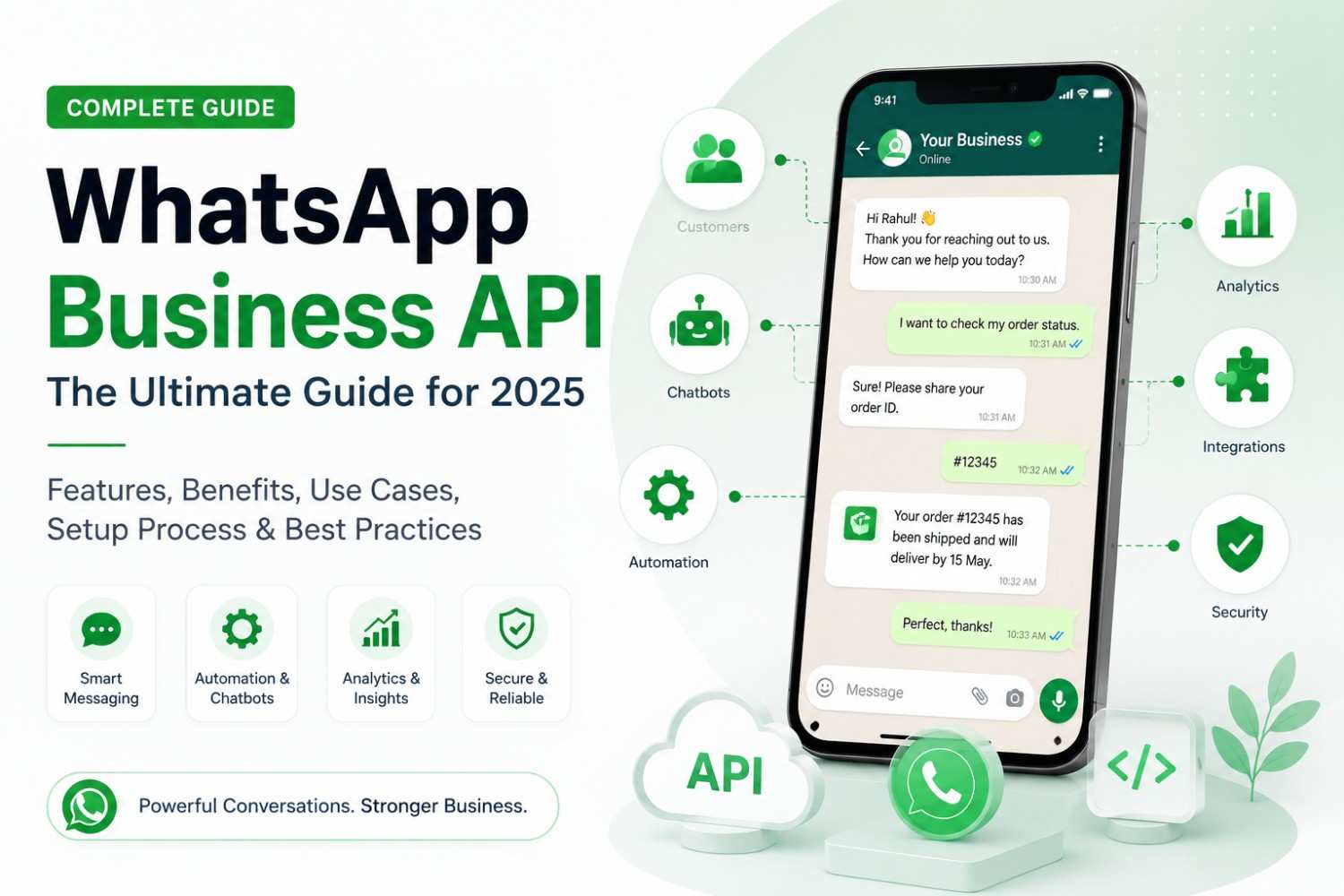
Strip away the marketing language and a WhatsApp automation tool is software that sits between the WhatsApp Business API and the rest of your business — your CRM, your order system, your calendar, your ad campaigns — and handles conversations on your behalf according to rules you set up once.
It is not the same as the free WhatsApp Business app on your phone. The app lets you set a greeting message and an away message, and that’s roughly where automation stops. A proper automation tool, built on the WhatsApp Business API, can do far more: qualify a lead through a chatbot flow, pull a customer’s order status from your database and reply instantly, hand the chat to a live agent the moment the conversation gets complicated, and log every message back into your CRM without anyone typing a note.
The distinction matters because a lot of businesses buy “automation” thinking they’re getting a chatbot, and end up with a glorified auto-reply. If you want the deeper breakdown of the API itself, we’ve covered it separately in how to send automated messages on WhatsApp.
How WhatsApp Automation Actually Works (Not the Textbook Version)

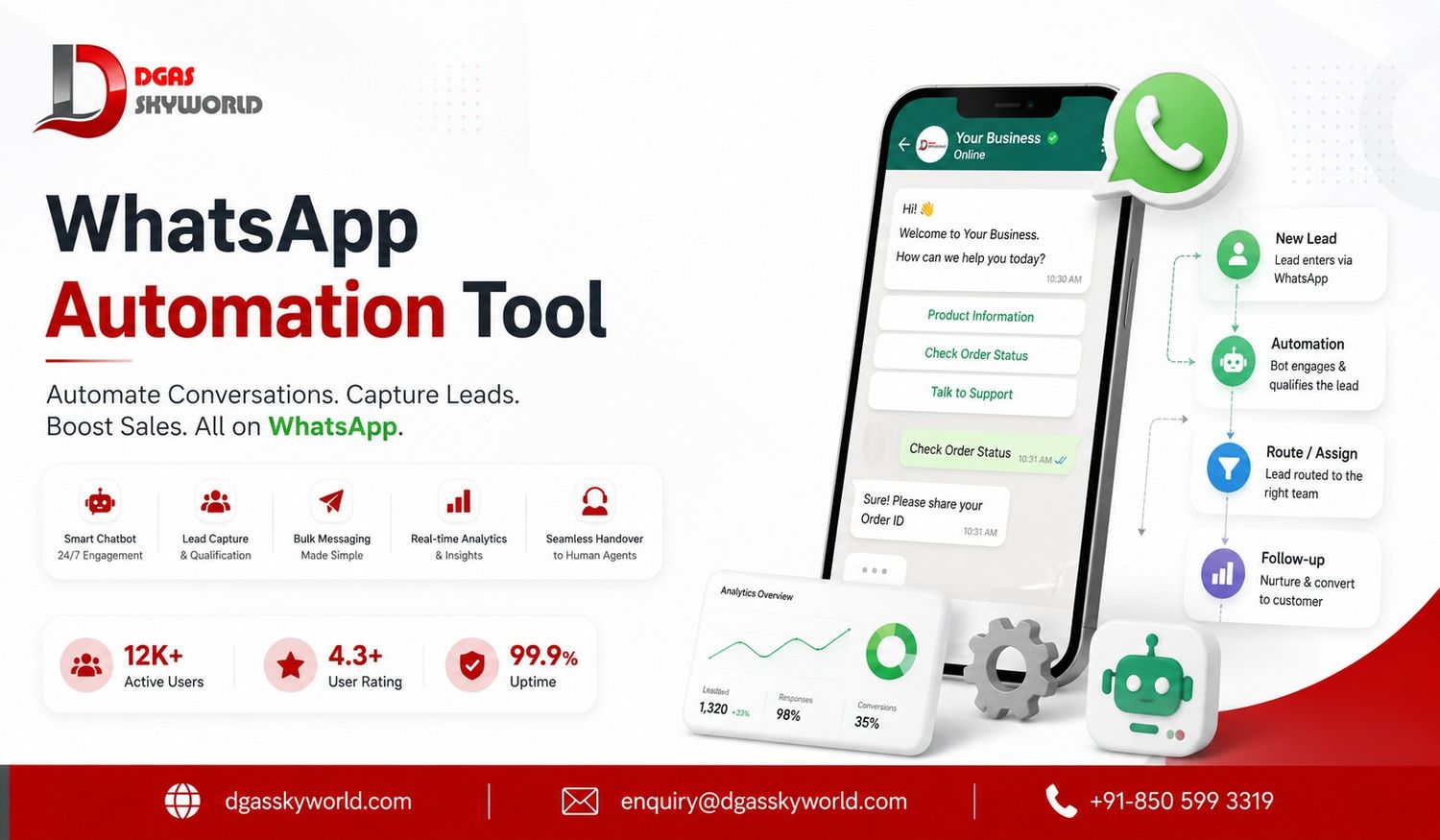
When we set this up for a client — say, a real estate developer running WhatsApp ads for a Noida project — the flow looks like this in practice:
1. Something triggers it. A person clicks a “Click to WhatsApp” ad, or types “hi” to the business number, or fills a form on the website that pushes a lead into the system.
2. The workflow takes over. The bot sends a welcome message within a couple of seconds — not because it’s fast typing, but because there’s no typing involved. It asks two or three qualifying questions: budget range, preferred location, ready-to-move or under-construction. Nothing that feels like an interrogation, just enough to route the lead correctly.
3. The system decides what happens next. A serious buyer with a clear budget gets escalated to a live sales agent immediately, with the full conversation history already visible to that agent — no “please repeat what you told the bot” moment, which is the single biggest thing that makes automation feel human or feel broken. A casual browser gets added to a nurture sequence instead: property photos, a brochure link, a follow-up three days later.
That’s the whole mechanic — trigger, logic, action — but the difference between automation that works and automation that annoys people is entirely in how carefully you build the middle step. We’ve seen bots that ask the same question twice because nobody tested the flow properly, and it undoes all the goodwill instant replies were supposed to build.
Why This Matters More in India Than Almost Anywhere Else
India isn’t just a big WhatsApp market — it’s WhatsApp’s biggest market, full stop. Current industry estimates put Indian WhatsApp users somewhere between 500 million and 550+ million, and WhatsApp Business adoption among small and medium Indian businesses is already in the tens of millions. Multiple industry trackers now report that roughly three out of every four Indian smartphone users have WhatsApp installed — which tells you it isn’t a “nice channel to try,” it’s closer to default communication infrastructure at this point.
A few numbers worth sitting with:
- Open rates on WhatsApp are consistently reported in the 90%+ range, against roughly 20% for a typical marketing email. Even accounting for how differently the two channels are measured, that gap is not small.
- Most WhatsApp messages get read within minutes of being delivered, not hours — which is exactly why an 11-minute reply gap costs you a customer while an 11-hour email reply gap barely registers.
- Cart-recovery and re-engagement messages sent on WhatsApp report meaningfully higher click-through than the same message sent by email or SMS, largely because people simply open WhatsApp more often through the day.
None of this means automation is magic. It means the channel rewards speed and consistency more than almost any other channel you’re currently using, and manual reply queues can’t deliver either once your message volume grows past what one or two people can realistically type through.
What a Decent WhatsApp Automation Tool Should Actually Do
Based on what we’ve configured, tested, and occasionally had to fix for clients, here’s what separates a tool worth paying for from one that just looks good in a demo:
A no-code flow builder that a non-technical team member can actually edit. If every small tweak to a chatbot question needs a developer, the tool will quietly stop getting updated within a month.
Broadcast and drip sequences with proper frequency capping. Sending a promotional broadcast every other day gets your number blocked and, eventually, your template quality rating downgraded by Meta. A tool that doesn’t warn you about this isn’t doing its job.
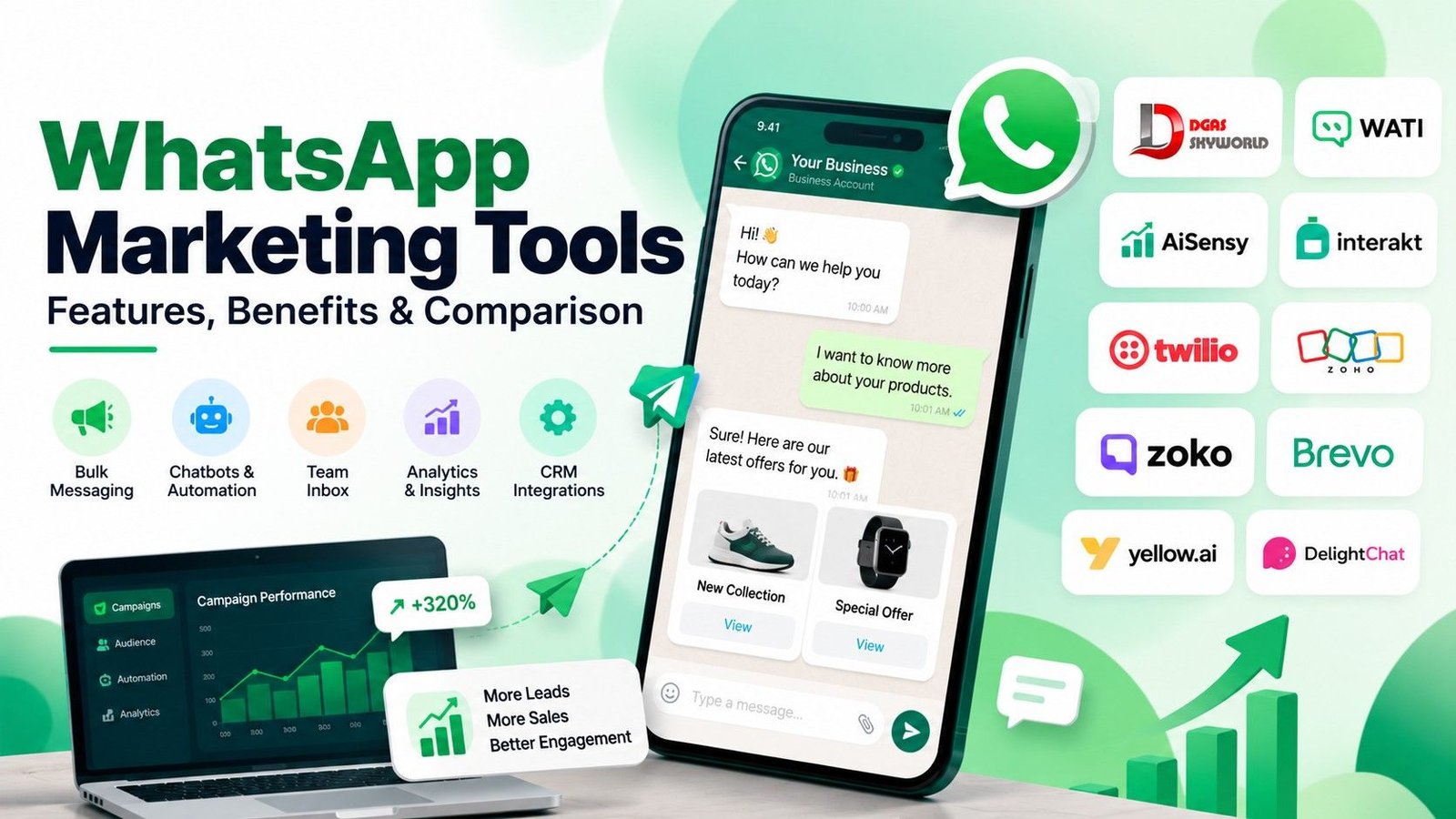
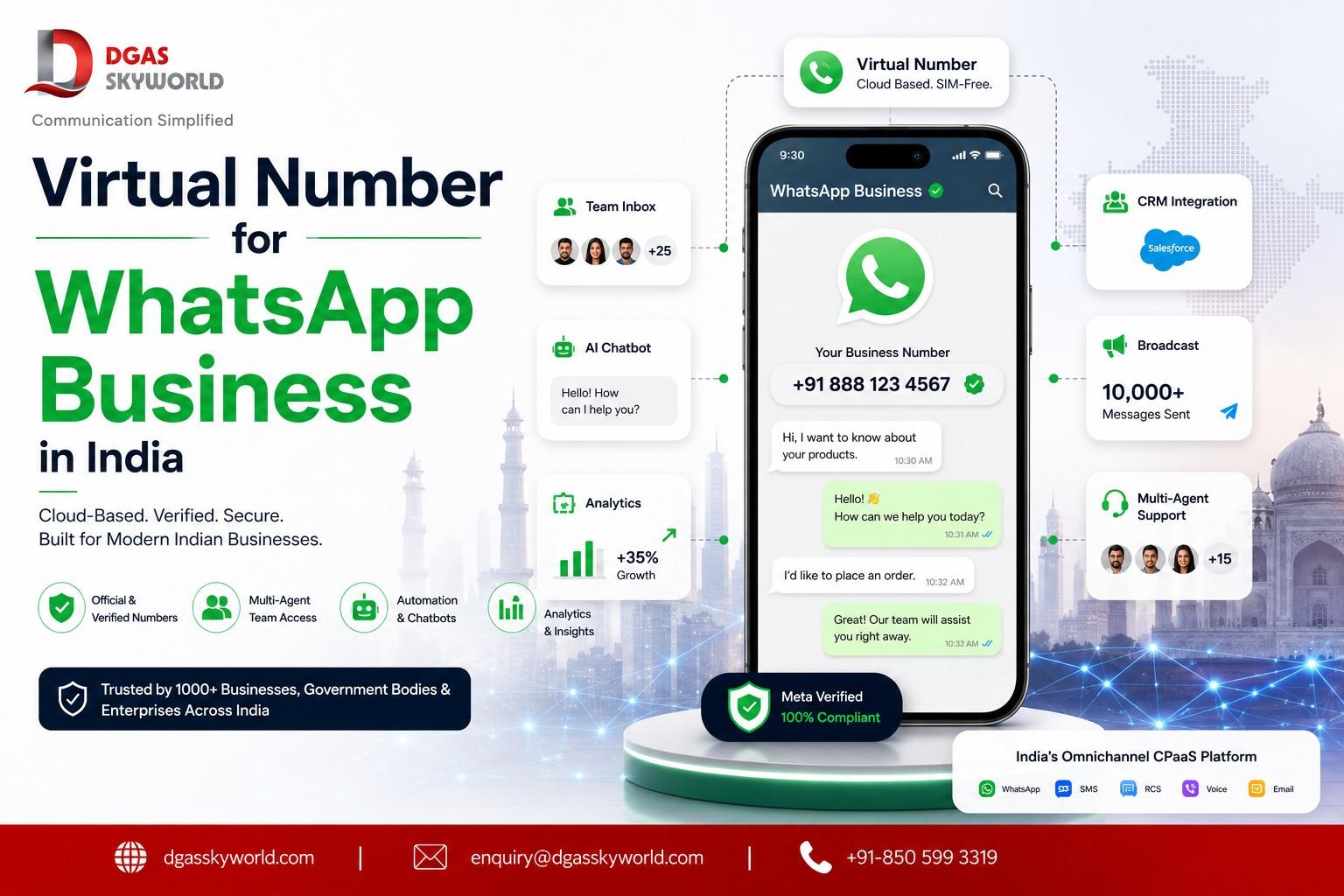
Real CRM and e-commerce sync — Shopify, Zoho, HubSpot, Salesforce, or whatever you’re already running. If WhatsApp conversations live in a silo separate from your customer records, you’ve automated the messaging and left the actual bottleneck — data entry — untouched.
A shared inbox for your team, not five people logging into one phone. This sounds basic until you’ve watched two agents reply to the same customer with two different answers because neither could see the other was already typing.
Template management that doesn’t leave you guessing. Meta approves or rejects message templates based on specific formatting and content rules, and a good tool flags likely rejections before you submit rather than after you’ve waited two days for a “rejected” notification.
Honest reporting. Delivered, read, replied, converted — in that order, with numbers you can actually export, not a vanity dashboard.
Where Omnichannel CPaaS Comes Into the Picture
This is the part most WhatsApp-only tools genuinely can’t help you with, because they were never built to.
WhatsApp automation solves the “reply fast on WhatsApp” problem. It does not solve what happens when a customer hasn’t opted into WhatsApp messaging yet, or their number isn’t on WhatsApp at all, or your message sits unread because they’ve muted notifications for the week. This happens more often than most WhatsApp-only dashboards will admit — DND numbers, WhatsApp opt-out lists, or simply customers who prefer a phone call for anything involving money.
An omnichannel CPaaS platform is built around exactly this gap. Instead of treating WhatsApp, SMS, RCS, voice, email, and Truecaller messaging as five separate tools you have to stitch together, it runs all of them through one API layer and one set of workflow rules. Practically, that changes a few things:
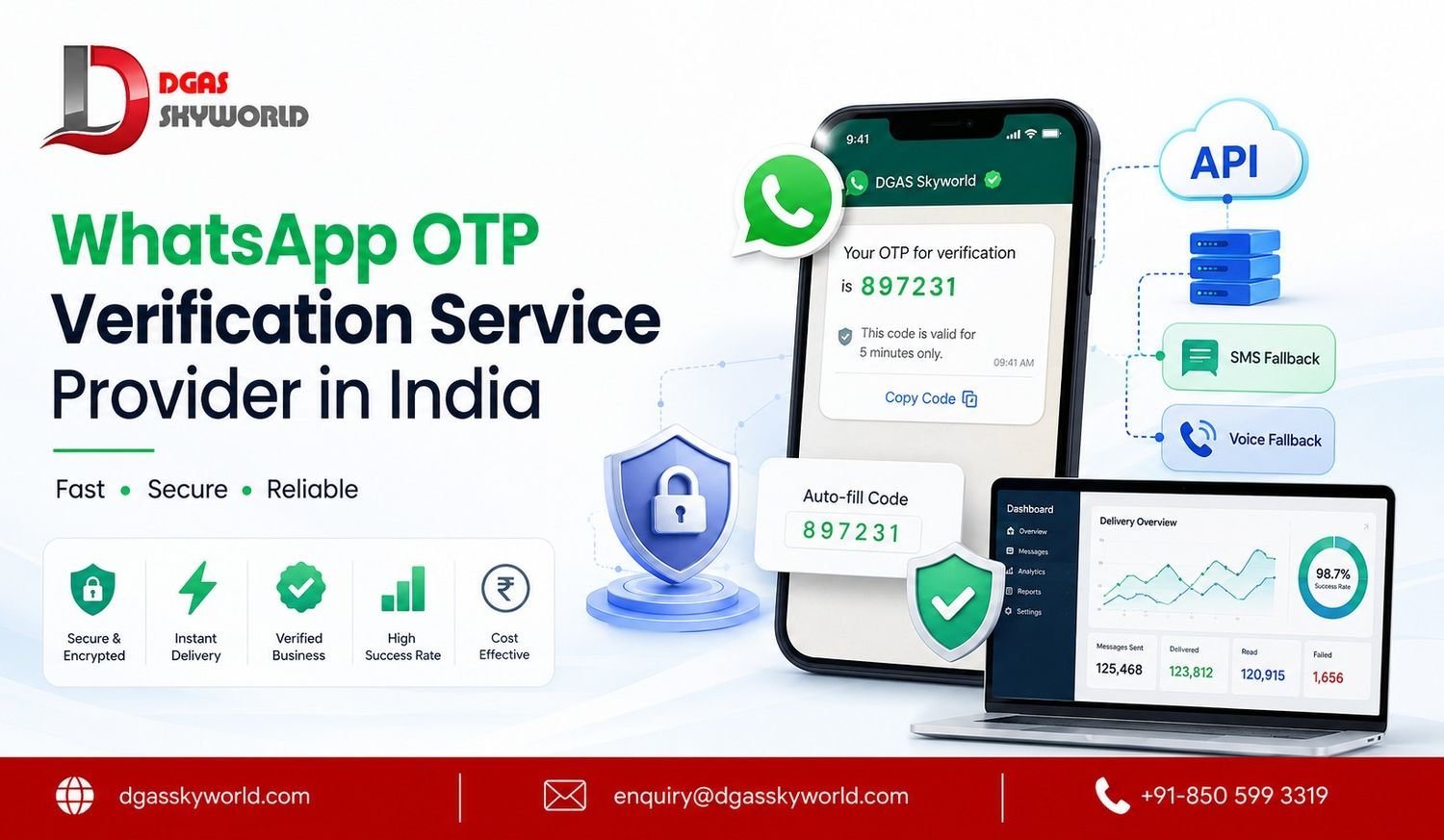
- Automatic channel fallback. If a WhatsApp message isn’t delivered or opened within a set window, the same automated workflow can drop to SMS or an automated voice call instead of just… stopping. A lead doesn’t go cold just because one channel didn’t land.
- One customer record, not five. Support doesn’t have to check WhatsApp, then email, then a call log separately to understand what a customer already asked. It’s one conversation history regardless of which channel carried it.
- Consistent brand voice everywhere. The same automation logic and the same tone show up whether the customer got an SMS OTP, a WhatsApp order update, or an AI chatbot reply.
- One vendor, one bill, one compliance owner. Managing opt-ins, DLT registration for SMS, and WhatsApp template approvals across five separate tools is its own part-time job. An omnichannel setup puts all of that under one accountable provider instead of four.
- A lead can move through the whole funnel on one platform — captured via a Click-to-WhatsApp ad, nurtured through WhatsApp automation, escalated to a voice call for a high-value deal, and re-engaged via RCS or SMS weeks later if they’ve gone quiet. No re-tagging, no exporting CSVs between tools.
This is genuinely where DGAS Skyworld fits differently from most WhatsApp-only automation vendors. As a CPaaS platform, DGAS runs SMS API, Enterprise Voice Solutions, RCS Messaging, WhatsApp Business API, Truecaller Messaging, AI Chatbot, and Email API on one connected platform — all delivered within India, since that’s the only market DGAS Skyworld operates in. When we’ve built WhatsApp automation flows for clients on this stack, the fallback-to-SMS or fallback-to-voice piece wasn’t a separate integration project; it was already sitting on the same platform.
Setting This Up: What It Actually Involves

Every provider dresses this up differently, but the real steps are roughly the same regardless of which tool you pick:
- Business verification with Meta — your business documents get checked before you’re issued a verified WhatsApp Business number.
- Number setup — either porting an existing business number or provisioning a new one for the API.
- API configuration — connecting your WhatsApp Business Account to the automation platform.
- Integrations — linking your CRM, website forms, ad accounts, and e-commerce platform so triggers actually fire.
- Building your first flows — welcome message, FAQ auto-replies, a basic lead-qualification sequence, and your first approved message templates.
- Testing before going live — internal numbers first, always. We’ve caught duplicate-message bugs and mistimed follow-ups during this stage more than once, and it’s far cheaper to catch them before real customers see them.
None of this is instant, whatever a landing page promises. Template approval alone can take anywhere from a few hours to a couple of days depending on Meta’s review queue. Budget for that instead of promising your team same-day automation.
How and When Pricing Actually Gets Deducted From Your Wallet
This is the part almost nobody explains properly until you’ve already been surprised by a bill once, so let’s walk through it the way it actually works on a WhatsApp Business API account.
You’re not charged for sending — you’re charged for delivery. Meta only bills a message once it’s actually delivered to the recipient’s phone. If a number is invalid, switched off permanently, or the message fails outright, that message doesn’t get charged. This is one of the more overlooked WhatsApp automation facts — a lot of business owners assume every automated message sent costs money, when in reality a failed send costs nothing.
Pricing runs on message categories, not a flat per-message rate. Meta’s WhatsApp Business Platform bills based on which category a template falls into:
- Marketing — promotions, offers, broadcasts. This is the most expensive category by some distance.
- Utility — order confirmations, shipping updates, appointment reminders. Priced well below marketing.
- Authentication — OTPs and login verification. Also priced below marketing, and usually the cheapest paid category.
- Service — a free-form reply you send inside the 24-hour window after a customer messages you. This one is free, provided you’re not using a pre-approved template.
The category a message belongs to is decided when the template itself is approved by Meta — not by what the message happens to say when it’s sent. This is worth knowing when you’re building automation flows, because it directly affects your wallet spend: an order-update flow correctly filed under Utility will cost noticeably less over a month than the same message accidentally filed under Marketing.
The 24-hour service window is where automation actually saves money. The moment a customer messages your business, a free 24-hour window opens. Every reply you send inside that window — including automated chatbot replies — is free, as long as it’s not a pre-approved template message. This is exactly why a well-built automation flow tries to keep the customer replying and the conversation alive inside that window, rather than defaulting to paid templates for every single message.
Click-to-WhatsApp ads get an extended free window. If someone messages you after clicking a Click-to-WhatsApp ad or a Facebook/Instagram page button, Meta doesn’t charge for messages in that conversation for 72 hours, not just 24. If you’re running lead-gen ads into WhatsApp automation, this window is where a meaningful chunk of your qualification flow can run without touching paid messages at all.
On the DGAS Skyworld platform specifically, billing works through a prepaid wallet, in line with the same pay-as-you-go model DGAS already runs for its SMS services — no setup fee, no fixed monthly plan you’re locked into, no charge until a message actually goes out and gets delivered. In practice:
- You top up the wallet in advance (via the dashboard, the same way you’d recharge SMS credits).
- Every delivered message — marketing, utility, or authentication — automatically deducts the applicable rate from that wallet balance the moment it’s confirmed delivered.
- Free-window service replies and failed/undelivered messages don’t touch the balance at all.
- You get a low-balance alert before the wallet runs dry, so an active automation flow doesn’t quietly stop mid-campaign because nobody noticed the balance hit zero.
Because per-message rates vary by category and can shift with Meta’s own pricing updates, DGAS Skyworld doesn’t publish a single blanket price — the sales team will walk you through the current per-category rate card and your likely monthly wallet spend based on your expected message mix before you commit to anything. If you want that number before you build out a full automation flow, it’s worth asking upfront: +91-850 599 3319.
Where This Actually Pays Off (Real Use Cases, Not Hypotheticals)
E-commerce and D2C: Abandoned-cart reminders sent 1 hour and 24 hours after drop-off, automated order confirmations, and shipment tracking updates — all without a support agent typing the same “your order is on the way” message fifty times a day.
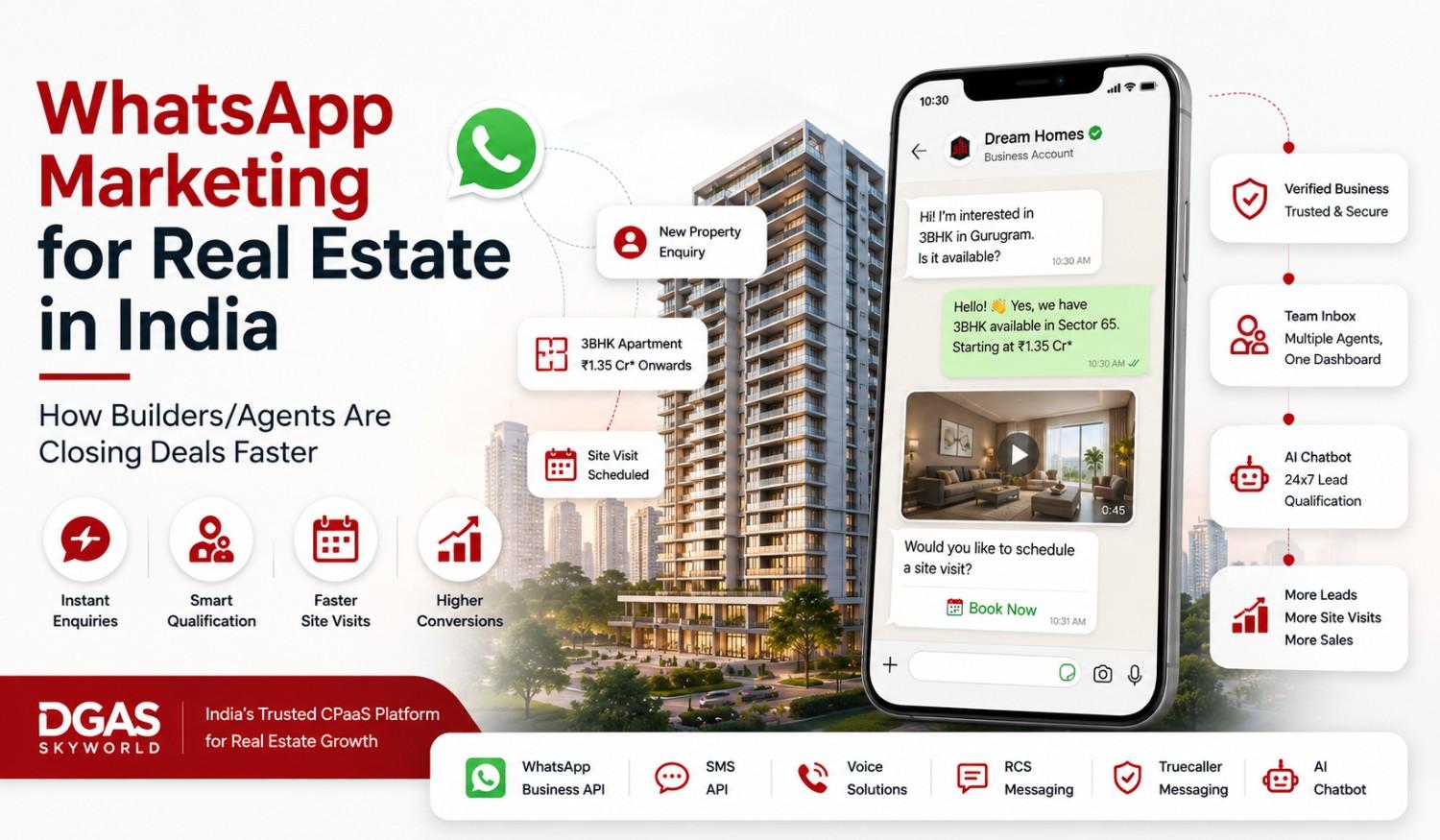
Real estate: Instant property details and pricing sent the moment someone messages an ad, automated site-visit scheduling, and follow-ups that don’t require an agent to remember which of 200 leads is due for a nudge today. We covered this in more depth in WhatsApp marketing for real estate in India.
Healthcare: Appointment reminders sent automatically 24 hours and 1 hour before a booking, which noticeably cuts down no-shows without front-desk staff making reminder calls all day.
BFSI: Payment due reminders, EMI notifications, and transaction alerts — sent through the same compliant, opted-in channel customers already check first.
Education: Fee reminders, admission status updates, and class schedule changes reaching students the same day, instead of getting lost in an email inbox nobody checks.
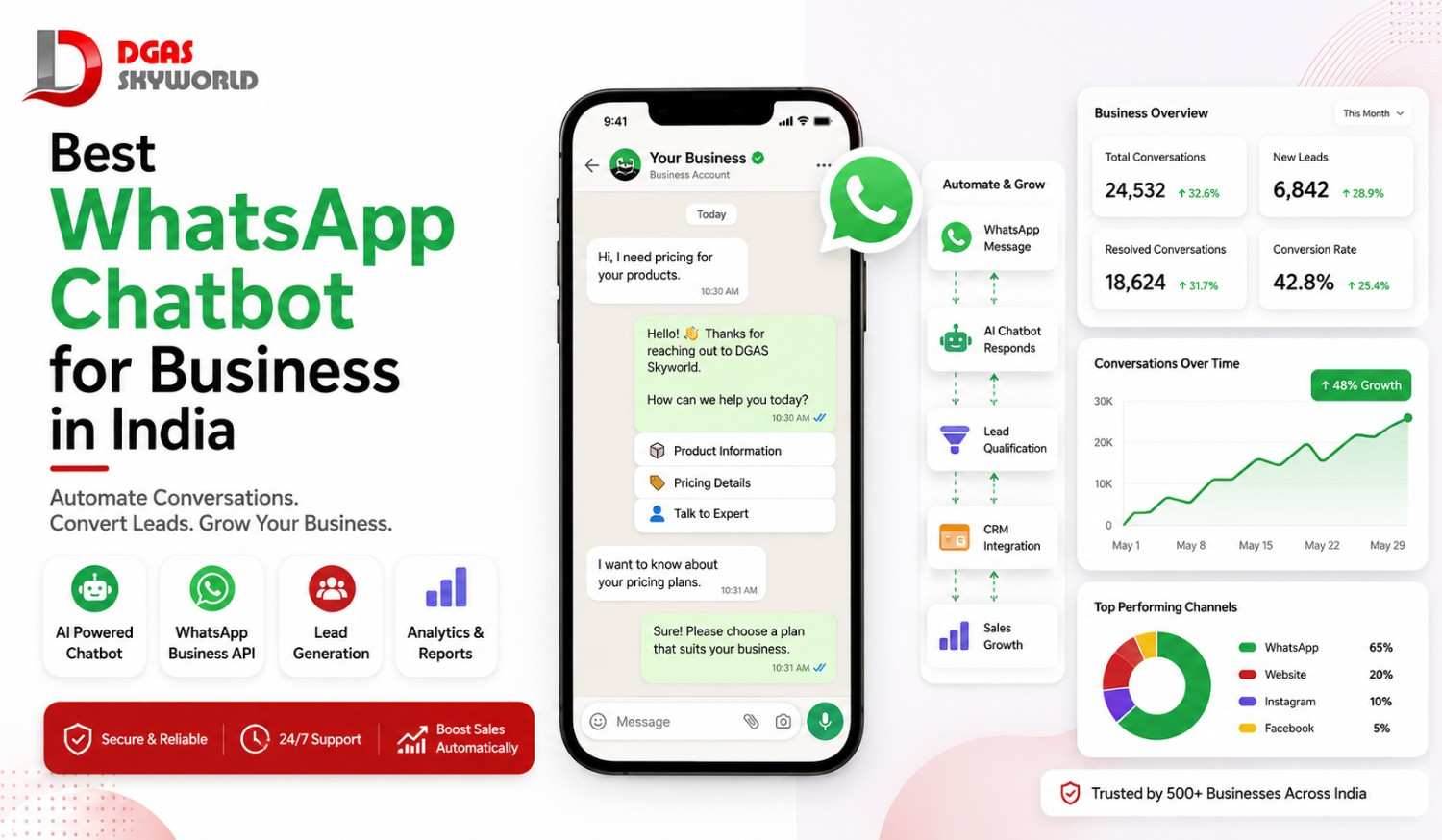
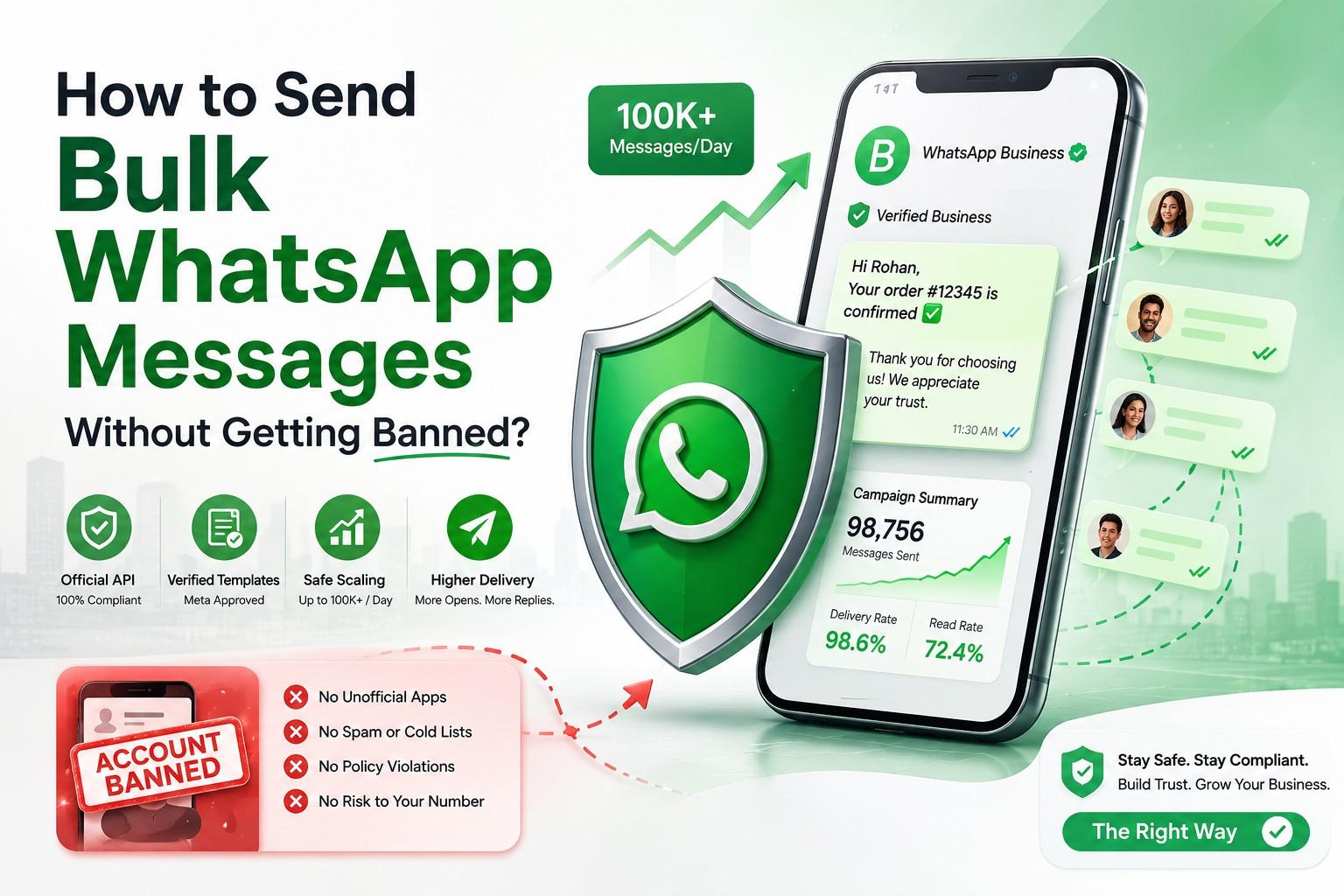
For businesses evaluating this alongside their broader messaging strategy, it’s also worth reading how bulk WhatsApp sending and account safety interact — we go into that in how to send bulk WhatsApp messages without getting banned, and if a chatbot specifically is what you’re evaluating, best WhatsApp chatbot for business in India covers that comparison in more detail.
What to Actually Check Before You Sign Up
A short, honest checklist, based on the questions we ask on behalf of clients before recommending any provider:
- Is it built on the official WhatsApp Business API, not a browser-scraping workaround that risks a ban?
- Is pricing transparent, with no hidden markup layered on top of Meta’s own conversation fees?
- Does it actually support India-specific compliance — opt-in management, and template approval handling — rather than treating India like any other market?
- Can it fall back to another channel (SMS, voice, RCS) if WhatsApp delivery fails, or is WhatsApp genuinely the only option if something goes wrong?
- Is there a real support team you can call, or only a chatbot answering questions about the chatbot?
- Does the provider have any track record with enterprise-grade or government-grade deployments, where security and reliability get scrutinised harder than a typical SaaS sign-up?
That last point is worth dwelling on, because it’s the one most vendors can’t actually answer honestly.
Why DGAS Skyworld Specifically
DGAS Skyworld has been building CPaaS communication infrastructure for Indian businesses since 2017 — long enough to have been through several rounds of Meta policy changes, DLT rollouts, and API migrations without disappearing the way a lot of newer WhatsApp resellers eventually do.
What stands out isn’t a features list — most providers on this list can check similar boxes. It’s who has trusted the platform with communication that genuinely can’t fail:
Trusted by Government Bodies, PSUs & Leading Enterprises — DGAS Skyworld has delivered 10+ government and PSU projects, working with organisations including Agra Nagar Nigam, Gujarat Council on Science and Technology, Punjabi University Patiala, and the Indian Institute of Foreign Trade, alongside private enterprises across Healthcare, Banking, E-commerce, Real Estate, Education, Logistics, and Retail.
That’s not a claim you can dress up on a landing page — municipal bodies and public sector institutions don’t onboard a vendor without checking security, data handling, and delivery reliability far more carefully than a typical business would. DGAS Skyworld currently supports over 12,000 active users and 500+ trusted partners and government organisations across its CPaaS platform, all delivered exclusively within India — DGAS does not offer these CPaaS services outside the country, and that India-only focus is deliberate: it means every part of the platform, from template compliance to support, is built around Indian regulatory and business realities rather than adapted from a global product.
If you’re evaluating WhatsApp automation as part of a wider CPaaS strategy rather than a single-channel fix, that’s the kind of track record worth weighing against a slicker demo.
Frequently Asked Questions
What is a WhatsApp automation tool?
It’s software that automates WhatsApp conversations and workflows — auto-replies, chatbot-led lead qualification, broadcasts, and CRM sync — built on top of the official WhatsApp Business API rather than the free consumer app.
How does WhatsApp automation work?
A customer action or business event (a message, a cart abandonment, an order placed) triggers a predefined workflow, which runs through conditional logic and sends an automated response or hands the conversation to a live agent.
Is WhatsApp automation safe and compliant with Meta’s policies?
It is, as long as it runs on the official WhatsApp Business API with proper opt-in consent and respects Meta’s messaging and template rules. Automation built on unofficial scraping tools or modified apps carries real ban risk.
What’s the difference between the WhatsApp Business app and WhatsApp Business API automation?
The free app supports basic greeting and away messages on one device. API-based automation supports chatbot flows, unlimited broadcasts, multi-agent access, and CRM integration — the difference between a basic auto-reply and an actual system.
What are the benefits of omnichannel CPaaS for WhatsApp automation?
It adds channel fallback when WhatsApp delivery fails, a single customer conversation history across channels, consistent automation logic everywhere, and one vendor managing compliance instead of several disconnected tools.
When does WhatsApp automation actually deduct money from my wallet?
Only when a message is delivered, not when it’s sent — a failed or undelivered message isn’t charged. Replies sent inside the free 24-hour window after a customer messages you (or the 72-hour window after a Click-to-WhatsApp ad) don’t deduct from the wallet either; only paid template messages in the Marketing, Utility, or Authentication categories draw down the balance.
Can WhatsApp automation integrate with my CRM or e-commerce platform?
Yes — most serious tools connect with Shopify, WooCommerce, Zoho, HubSpot, and Salesforce, syncing conversation data and customer records automatically rather than requiring manual updates.
Why should I choose an India-based CPaaS provider like DGAS Skyworld over a global tool?
An India-focused provider builds compliance, support, and pricing around Indian regulatory requirements and business patterns specifically, rather than adapting a product built for a different market. DGAS Skyworld’s government and PSU track record since 2017 is also a level of vetting most WhatsApp-only tools have never gone through.
Getting Started
If you’re still typing replies manually at 9:40 PM hoping the customer hasn’t already messaged someone else, that’s really the only signal you need. Setting up WhatsApp automation properly — with the right fallback channels, the right compliance groundwork, and a flow that’s actually been tested before it meets a real customer — takes a bit of planning, but it isn’t complicated once it’s built by people who’ve done it before.

Have questions first? Get in touch with our team
Related reading: What is CPaaS? Best CPaaS Platform in India · How to Send Automated Messages on WhatsApp · Best WhatsApp Chatbot for Business in India · WhatsApp Marketing for Real Estate in India · How to Send Bulk WhatsApp Messages Without Getting Banned