How to Get a Blue Tick on WhatsApp Business in 2026 (Complete Verification Guide)
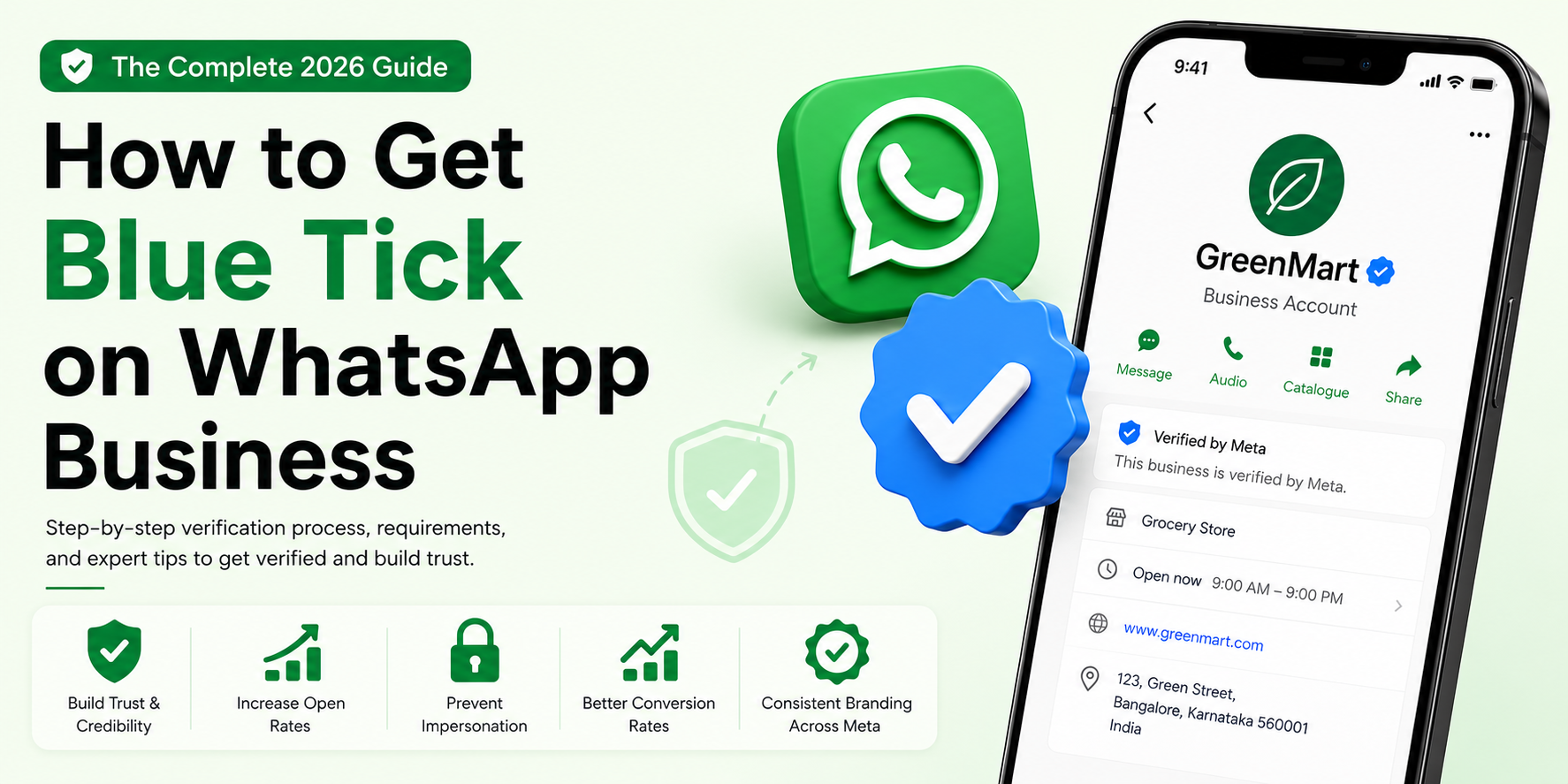
If you run a business on WhatsApp, you’ve probably noticed something: customers trust a verified WhatsApp Business profile far more than an unverified one. That small blue checkmark next to your business name does a lot of heavy lifting — it tells anyone who messages you that they’re talking to the real brand, not an impersonator running a scam.
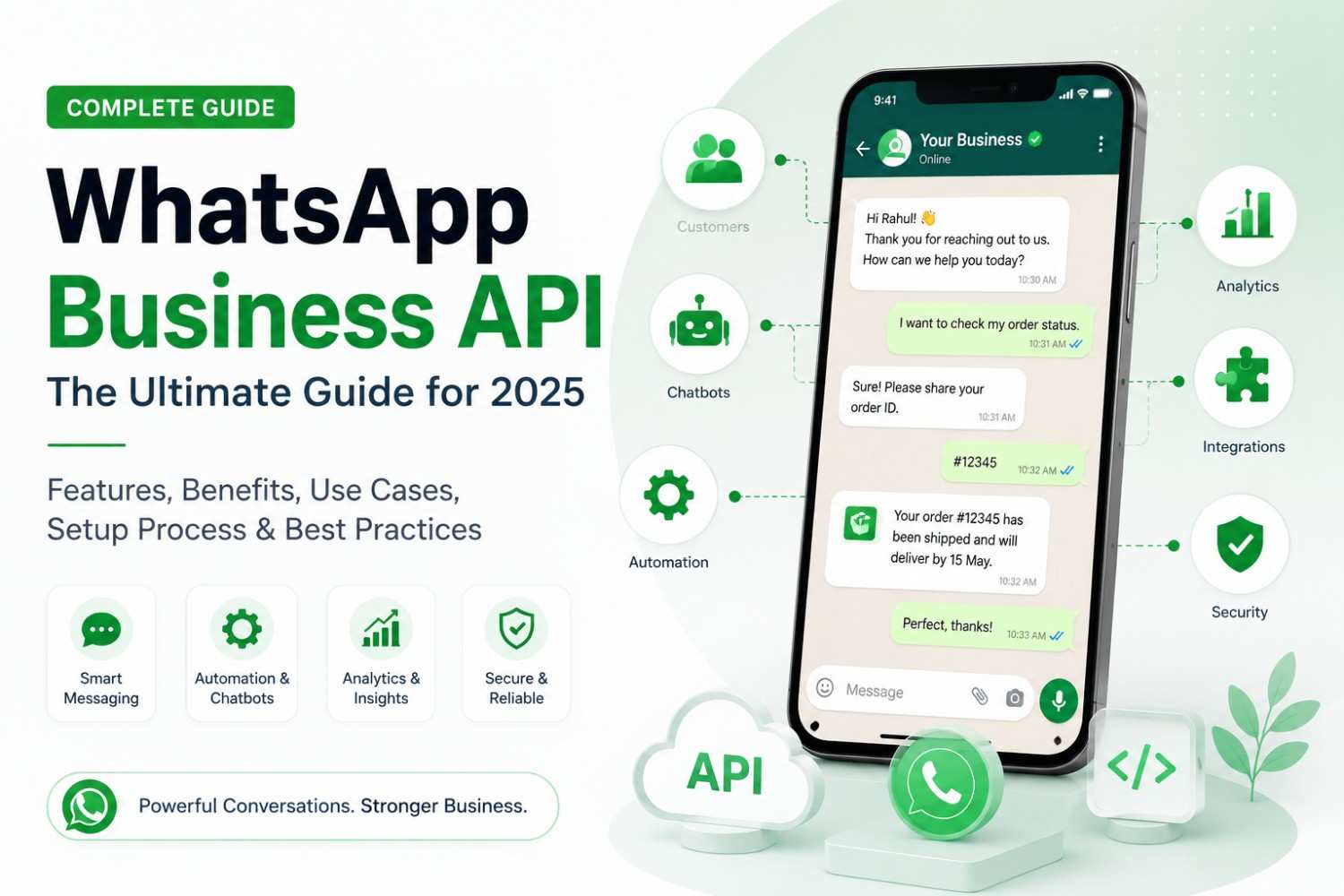
As conversational commerce grows across India and globally, WhatsApp — often powered by the WhatsApp Business API for businesses sending high-volume messages — has become a primary sales and support channel for everything from real estate to D2C retail. With that growth has come a parallel rise in fake business accounts, phishing attempts, and impersonation scams — which is exactly why Meta tightened its verification process and introduced the Blue Tick as the new standard for verified business identity on WhatsApp.
A normal WhatsApp Business account lets you list your address, hours, and catalog — but it doesn’t confirm to the customer that you are who you say you are. A verified WhatsApp account carries Meta’s stamp of authenticity, unlocking the badge, expanded display name visibility, and stronger brand trust.
This guide covers everything you need: what the Blue Tick actually is, the two verification paths (Meta Verified subscription vs. Official Business Account/OBA via the WhatsApp Business API), eligibility and documentation requirements, step-by-step application processes, and how to improve your approval odds — or recover from a rejection.
Want the short version? Book a Demo and we’ll walk you through your fastest path to the Blue Tick, based on how you actually use WhatsApp today.
What is WhatsApp Blue Tick Verification?
Understanding the WhatsApp Verified Business Badge
The WhatsApp Blue Tick is Meta’s official verification badge for business accounts. It appears next to your business name in chats, search results, and your profile page, confirming that Meta has reviewed and confirmed the account’s authenticity. Verification is granted directly by Meta after a business submits documentation proving its identity, legitimacy, and (in many cases) public notability.
Verified status is closely tied to the concept of an Official Business Account (OBA) — a designation used within the WhatsApp Business API/Cloud API ecosystem that signals a business has passed Meta’s authenticity checks at the API level, separate from the consumer-facing Meta Verified subscription available on the WhatsApp Business App.
WhatsApp Green Tick vs. Blue Tick
For years, verified WhatsApp Business accounts displayed a green tick (technically a green checkmark badge). Meta has been transitioning this system toward a unified blue tick badge — aligning WhatsApp’s verification visuals with Instagram and Facebook’s blue checkmark, and with the broader Meta Verified subscription program.
Here’s the general timeline of that shift:
- Earlier system: Green tick badges were issued primarily through manual API-side OBA review, mostly for larger, well-known businesses.
- Transition phase: Meta began rolling out Meta Verified subscriptions for WhatsApp Business App users, introducing the blue badge as a paid, more accessible verification tier.
- Current state (2026): Blue tick has become the dominant badge style across both verification paths, while some legacy green tick accounts may still display the older badge until Meta completes badge unification across all account types.
If your account previously had a green tick, you do not automatically lose it — but new applications and most current approvals are being issued under the blue tick visual standard.
How a Verified WhatsApp Account Looks
When a customer opens a chat with a verified business:
- The business name appears in full, exactly as registered — unverified accounts may show only the saved phone number or a truncated name to unknown contacts.
- A small badge (blue checkmark) appears directly beside the business name in the chat header and within search results.
- Tapping the business name opens a profile that explicitly states the account is verified by Meta.
This visual distinction matters most in cold outreach and marketing scenarios — exactly where trust is hardest to establish and easiest to fake.
Why Businesses Need WhatsApp Blue Tick Verification
Builds Instant Customer Trust
A badge next to your name removes the customer’s first hesitation: “Is this really the company?” That hesitation costs replies, clicks, and conversions — especially in high-ticket categories like real estate, BFSI, and travel.
Increases Message Open Rates
Verified business messages are statistically more likely to be opened and read rather than ignored or reported as spam, since recipients recognize the sender as legitimate.
Improves Brand Credibility
A verified badge functions like a digital storefront sign. It signals that you’re an established, accountable business — not a fly-by-night operation.
Prevents Business Impersonation
Once verified, your exact business name is locked to your account, making it much harder for scammers to clone your identity using lookalike numbers or names.
Better Conversion Rates from WhatsApp Marketing
For businesses running outbound campaigns — broadcast lists, catalog messages, retargeting via WhatsApp — the badge reduces drop-off at the very first touchpoint, directly improving lead-to-conversation and conversation-to-conversion rates.
Creates Consistent Branding Across Meta Platforms
If you’re already using Meta Verified on Instagram or Facebook, extending that same blue badge to WhatsApp keeps your brand presence consistent across every customer touchpoint in the Meta ecosystem.
WhatsApp Blue Tick vs. Normal WhatsApp Business Account
| Feature | Verified Account | Normal Account |
|---|---|---|
| Blue Tick Badge | Yes | No |
| Business Name Visibility | Full | Limited |
| Trust Factor | High | Medium |
| Impersonation Protection | Yes | No |
| Brand Recognition | High | Medium |
Types of WhatsApp Business Verification
There are two distinct routes to getting verified, and choosing the right one depends on how you use WhatsApp for business.
Option 1: Meta Verified Subscription (WhatsApp Business App)
What is Meta Verified?
Meta Verified is a paid subscription program that bundles identity verification with extra account features, available directly inside the WhatsApp Business App (the free, downloadable app most small and mid-sized businesses use).
Features Included
- Blue verification badge
- Priority/enhanced customer support from Meta
- Proactive account protection (impersonation monitoring)
- Business identity verification using government-issued documents
Monthly Subscription Pricing
Pricing varies by country and is billed monthly. Because Meta periodically adjusts these rates by region, always check current pricing directly inside the WhatsApp Business App or Meta Business Suite billing section before budgeting for it, rather than relying on older published figures.
Option 2: Official Business Account (OBA) Through WhatsApp Business API
What is OBA Verification?
OBA verification is the legacy and still widely used route for businesses operating on the WhatsApp Business API/Cloud API — typically through a Business Solution Provider (BSP) or Meta directly. It does not require the Meta Verified subscription fee but does require a more rigorous notability and documentation review.
Who Should Apply?
- Businesses already running the WhatsApp Business API for high-volume messaging
- Enterprises sending transactional and marketing templates at scale
- Brands that need the badge tied to their API-based number rather than an app-based number
Benefits of OBA Verification
- No recurring subscription cost for the badge itself
- Badge applies directly to the API-connected number used for automation, CRM integration, and bulk messaging
- Often paired with higher messaging limits and improved template approval once notability is established
Choosing a Provider to Get There
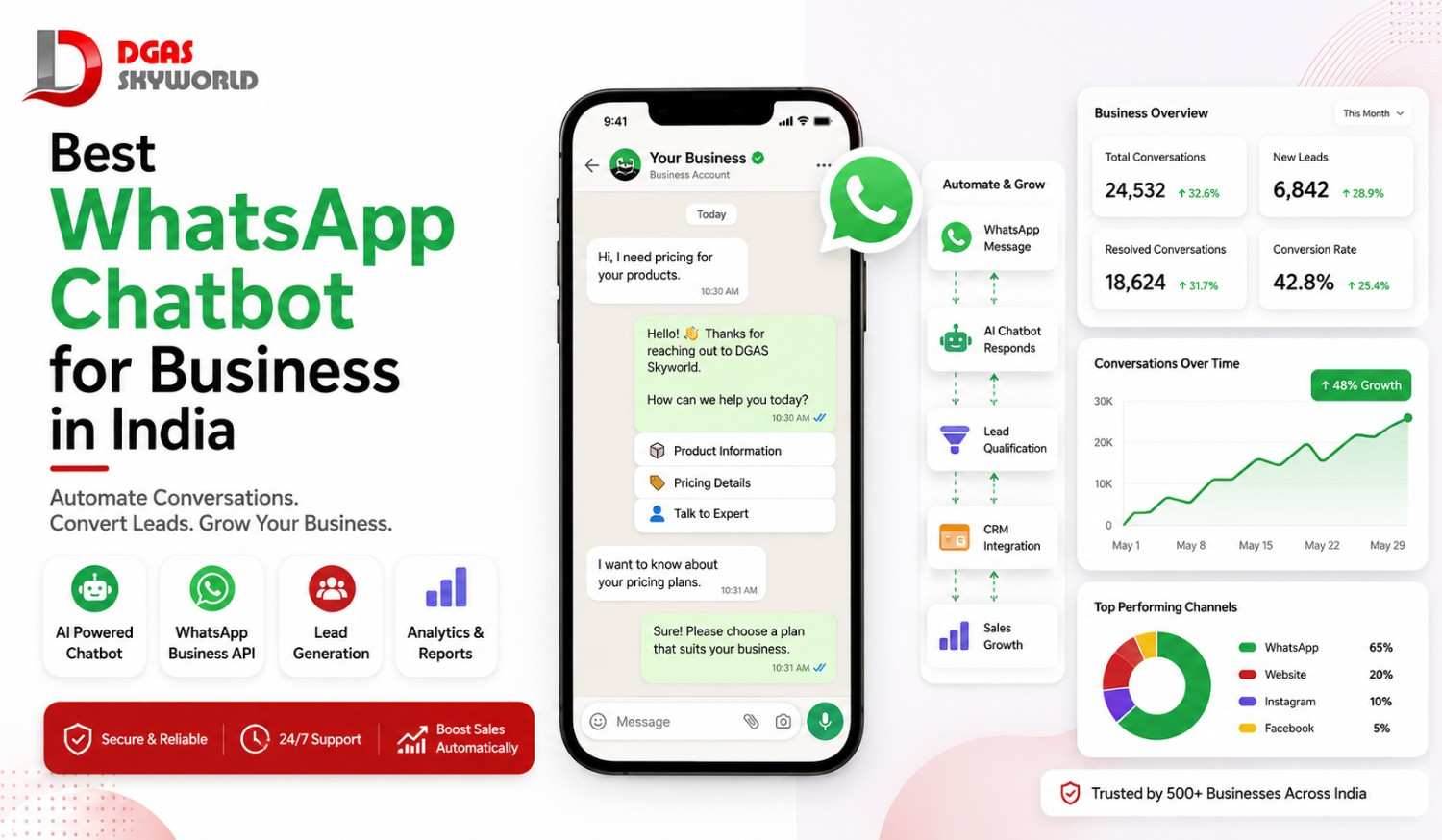
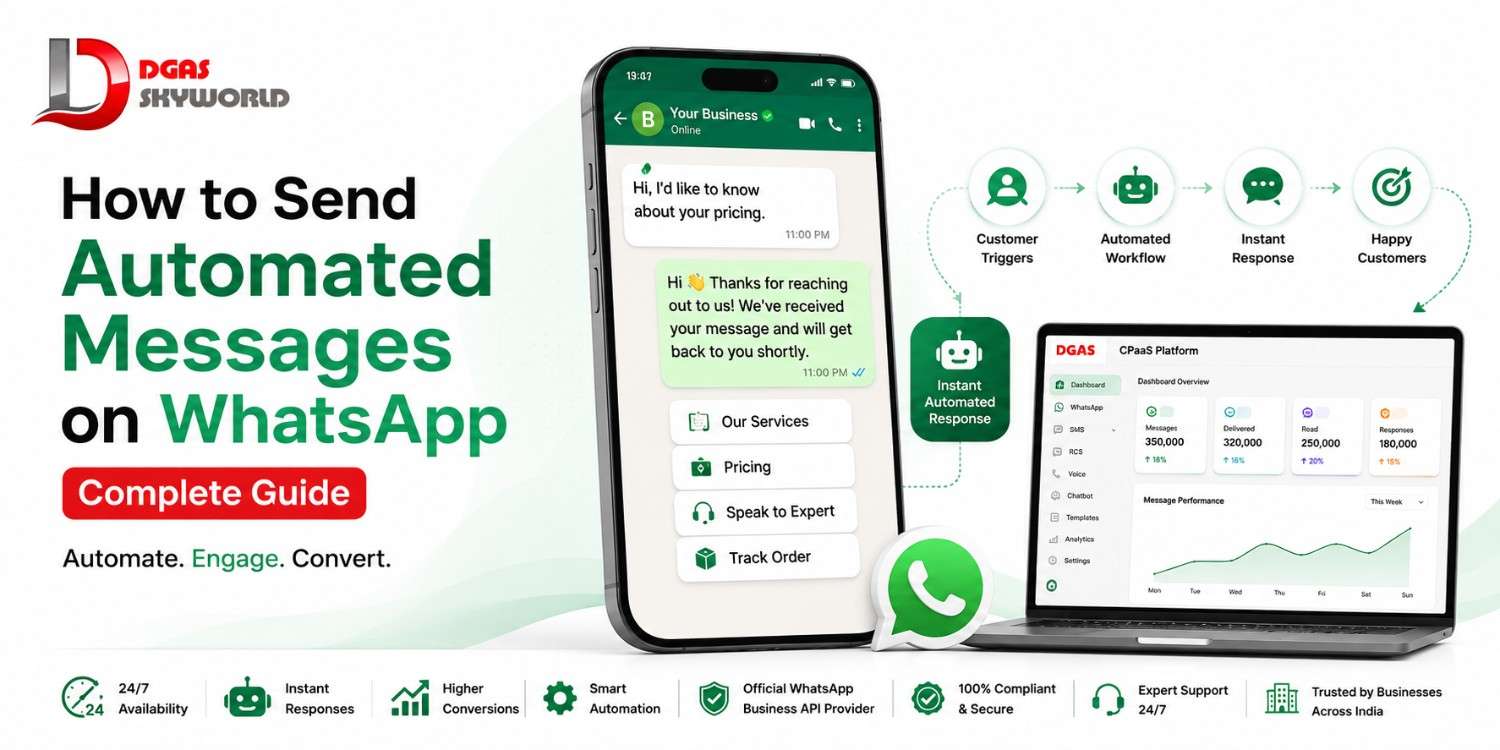
Since most businesses don’t apply for OBA status directly with Meta, the provider you pick matters almost as much as the application itself — they’re the ones setting up your API number, your message templates, and your CRM integration before verification even enters the picture. DGAS Skyworld is one option worth evaluating here. It’s an official WhatsApp Business API provider, alongside Bulk SMS, Enterprise Voice Solutions, RCS Messaging, Truecaller Messaging, Bulk Email, and AI chatbot channels on a single Omnichannel CPaaS platform, which is useful if you’d rather manage OTPs, order alerts, and WhatsApp marketing from one dashboard instead of stitching together separate vendors for each channel. Their team also handles the API documentation and integration support, so the technical lift on your end is lighter going in.
See it before you set it up. Book a Demo with DGAS Skyworld and watch the API setup, OBA application, and CRM integration walked through live on a sample account — no commitment required.
Eligibility Requirements for WhatsApp Verification
Basic Eligibility Criteria for WhatsApp Blue Tick Verification
Verified Meta Business Manager
Your Meta Business Manager account itself must be verified first — this is a prerequisite, not optional. Business Manager verification confirms your legal business identity at the Meta account level, before WhatsApp-specific verification can even be requested.
WhatsApp Business Account
You need an active WhatsApp Business App profile or a WhatsApp Business API number connected to your Business Manager.
Two-Factor Authentication Enabled
Two-step verification must be turned on for the WhatsApp number applying for the badge — this is both a security requirement and a trust signal Meta checks during review.
Approved Display Name
Your display name must match your legal or clearly recognized brand name exactly as it appears on your website and official documents — mismatches are one of the most common rejection triggers.
Business Website
A live, functioning website with your business name, contact details, and consistent branding is effectively mandatory for review.
Consistent Brand Presence
Your business name, logo, and details should match across your website, social media profiles, and Business Manager — inconsistency anywhere raises red flags.
If you’re setting up your WhatsApp Business API for bulk WhatsApp messages from scratch to meet these requirements, DGAS Skyworld provides the official WhatsApp Business API and can get your number, profile, and Business Manager connection set up correctly the first time — which matters, since a mismatched or improperly configured account is one of the easiest ways to trip up eligibility before you even apply.
Contact DGAS Skyworld or Call us at +91-850 599 3319 to set up your WhatsApp Business API now — or Book a Demo first if you’d rather see the platform before talking pricing.
Notability Requirements Explained
What Does Meta Mean by “Notable Business”?
“Notability” is Meta’s way of asking: would a reasonable person, searching online, recognize this as a real, established, publicly known business? It’s not about company size — it’s about public visibility and verifiable presence outside of Meta’s own platforms.
Types of Businesses That Usually Get Approved
- E-commerce Brands with an established online storefront and customer base
- SaaS Companies with a public product, pricing page, and user base
- Fintech Companies (subject to additional compliance scrutiny)
- Educational Platforms with verifiable course offerings or accreditation
- Healthcare Organizations with licensed practice credentials
- Government Institutions and public-sector bodies
Factors That Improve Approval Chances
News Mentions
Coverage in recognized news outlets is one of the strongest notability signals Meta’s reviewers look for.
Press Coverage
Press releases distributed through credible wire services or covered by industry publications add weight, especially for newer brands without years of organic media coverage.
Social Media Presence
Active, verified-adjacent profiles (high follower counts, consistent posting, genuine engagement) support your case.
Website Authority
A well-indexed website with decent domain age and organic search visibility signals legitimacy to reviewers.
Search Volume
Businesses that people are actively searching for by name on Google have an easier time demonstrating notability than brand-new entities with zero search footprint.
Documents Required for WhatsApp Blue Tick Verification
What You’ll Need Before You Apply
Have these ready before you start any application:
- Business Registration Documents — Certificate of incorporation, partnership deed, or equivalent legal registration proof.
- GST Certificate — For Indian businesses, GST registration is commonly requested as proof of active, tax-compliant operations.
- Business License — Any industry-specific operating license relevant to your sector (especially important for regulated industries like healthcare or finance).
- Domain Verification — Proof of ownership of your business domain/website, often verified via DNS TXT record or meta-tag confirmation.
- Company Website — A live website matching your registered business name and contact information.
- Social Media Profiles — Links to active, branded profiles on platforms like Instagram, Facebook, and LinkedIn that reinforce your business identity.
How to Get a Blue Tick on WhatsApp Business App
Step 1: Open WhatsApp Business App
Launch the app and go to Settings.
Step 2: Navigate to Meta Verified
Tap Meta Verified (or Business Tools > Meta Verified, depending on your app version) from the settings menu.
Step 3: Choose Subscription Plan
Select the monthly Meta Verified plan available for your account and region.
Step 4: Complete Business Verification
Follow the prompts to verify your business identity, uploading the requested government and business documents.
Step 5: Submit Required Details
Provide your business name, category, website, and supporting links exactly as they appear elsewhere online.
Step 6: Make Payment
Complete the subscription payment to activate the review process.
Step 7: Wait for Approval
Meta reviews the submission, typically over several business days, and notifies you in-app once a decision is made.
How to Get WhatsApp Blue Tick Using WhatsApp Business API
Step 1: Apply for WhatsApp Business API
Set up access to the WhatsApp Business API/Cloud API, either directly through Meta or via a provider of the official WhatsApp Business API such as DGAS Skyworld, which handles the technical setup — API documentation, integration support, and connecting the number to your CRM or marketing tools — so you’re not configuring the API from scratch.
Step 2: Verify Meta Business Manager
Complete full Business Manager verification, confirming your legal entity details with Meta.
Step 3: Configure Business Profile
Set your display name, category, description, and profile photo/logo to match your brand exactly.
Step 4: Enable Two-Step Verification
Turn on two-factor authentication for the WhatsApp Business API phone number.
Step 5: Gather Media References
Compile links to news coverage, press mentions, and notable online references that support your notability case.
Step 6: Submit Verification Request
Submit the official business verification/OBA request through Meta Business Manager or your BSP’s dashboard.
Step 7: Meta Review Process
Meta’s review team evaluates your documentation, notability evidence, and account history.
Step 8: Receive Approval
Once approved, the blue tick badge appears on your API-connected business number across all customer-facing surfaces.
How to Increase Your Approval Chances
Get Featured in News Publications
Even a handful of credible media mentions can meaningfully strengthen a notability case that’s otherwise borderline.
Improve Your SEO Presence
Rank for your own brand name and core offerings — reviewers (and their automated checks) often cross-reference your business against search results.
Build Strong Social Media Profiles
Active, consistent, well-followed profiles across Instagram, Facebook, and LinkedIn reinforce that you’re a real, ongoing business.
Create Consistent Branding
Use the exact same business name, logo, and color scheme across your website, social profiles, and WhatsApp account.
Maintain High Messaging Quality Score
For API users, a high WhatsApp quality rating (driven by low block/report rates and good response behavior) supports your overall account standing.
Achieve Higher Messaging Tiers
Graduating to higher API messaging tiers shows Meta you’re operating a legitimate, scaled communication channel.
Increase Customer Engagement
Healthy, two-way conversation patterns (not just outbound blasts) reflect a genuinely active business relationship with real customers.
Verify Your Domain
Complete domain verification in Meta Business Manager to add another authenticity layer to your application.
Common Reasons Applications Get Rejected
Insufficient Brand Notability
The most frequent rejection reason — Meta simply couldn’t establish that your business is widely or publicly recognized.
Poor Online Presence
Thin or outdated websites and inactive social profiles undercut an otherwise solid application.
Inconsistent Business Information
Mismatched business names, addresses, or categories across your website, Business Manager, and social platforms.
Incomplete Documentation
Missing or expired registration documents, licenses, or certificates.
Policy Violations
Any history of violating WhatsApp’s Business Messaging Policy or Commerce Policy can block approval outright.
Restricted Business Categories
Operating in an industry Meta excludes from verification (see below).
Low Quality Messaging History
For API accounts, a poor quality rating or history of spam complaints works against approval.
Restricted Industries That Cannot Get WhatsApp Verification
Categories Meta Excludes from Verification
The following categories are generally excluded from Blue Tick / OBA verification under Meta’s business policies:
- Gambling
- Tobacco Products
- Alcohol
- Weapons and Ammunition
- Adult Services
- Cryptocurrency (Certain Cases)
- Dating Services
- Live Animal Trade
Policy specifics and exceptions change periodically, so always check Meta’s current Commerce and Business Messaging Policies for the latest restricted-category list before applying if your business falls anywhere near these lines.
What to Do If Your WhatsApp Blue Tick Application Is Rejected
Understand the Rejection Reason
Carefully read Meta’s rejection notice — it often points to a specific gap (notability, documentation, policy) rather than a blanket “no.”
Improve Your Online Presence
Update your website, refresh inactive social profiles, and ensure your brand is easy to find and verify online.
Build More Media Coverage
Pursue press mentions, guest features, or industry publication coverage before reapplying.
Fix Compliance Issues
Resolve any flagged policy violations or documentation gaps directly.
Wait for Reapplication Period
Meta typically requires a waiting period between rejected applications — avoid reapplying immediately with the same weak case.
Submit a Stronger Application
Reapply only once you’ve meaningfully strengthened notability, documentation, and consistency — not just resubmitted the same materials.
How Long Does WhatsApp Blue Tick Verification Take?
Business App Verification Timeline
Meta Verified subscription reviews for the WhatsApp Business App typically resolve within a few business days, though this can extend depending on document complexity and review backlog.
API Verification Timeline
OBA verification through the Business API tends to take longer, since it involves deeper notability review — timelines can range from one to several weeks.
Meta Review Process Explained
In both cases, Meta cross-checks submitted documents against public records, checks brand consistency across platforms, and (for OBA) evaluates notability evidence like press coverage and search presence before issuing a decision.
Can Small Businesses Get WhatsApp Blue Tick?
Eligibility for Startups
Yes — startups can qualify, but they generally need to compensate for limited history with stronger notability signals like press coverage and an active online presence.
Local Businesses
Local businesses with niche or regional fame (strong local press, dense local social following) can succeed, though it’s harder than for nationally recognized brands.
D2C Brands
Direct-to-consumer brands with a credible website, visible customer base, and active social presence are increasingly common approvals.
Growing E-commerce Stores
Stores with consistent sales history, customer reviews, and a polished storefront have a realistic shot, especially via the Meta Verified subscription path.
Alternative Options for Small Businesses
If verification isn’t yet achievable, focus on building a complete WhatsApp Business profile (catalog, hours, address, website link) and strengthening brand consistency — this builds the foundation notability review will eventually rely on.
Best Practices After Getting Verified
Keeping Your Badge Once You Have It
Verification isn’t permanent — here’s how to protect it:
- Maintain Policy Compliance — Continue following WhatsApp’s Business and Commerce Policies; verification can be revoked for violations.
- Protect Your Account — Keep two-factor authentication active and restrict admin access to trusted team members only.
- Use Official Templates — For API accounts, stick to Meta-approved message templates to protect your quality rating.
- Keep Branding Consistent — Don’t change your display name or branding frequently; sudden changes can trigger re-review.
- Monitor Account Quality — Regularly check your messaging quality score and address any drop promptly.
- Avoid Spam Complaints — Keep messaging relevant and consent-based to avoid block/report spikes that can jeopardize your badge.
Your Pre- and Post-Application Checklist
Before Applying
- Business Verification Complete in Meta Business Manager
- Website Live and matching brand details
- Social Profiles Active and consistent
- News Mentions Available (or in progress)
- Two-Step Verification Enabled
- Business Information Consistent across all platforms
After Applying
- Monitor Application Status regularly
- Respond to Meta’s Requests Promptly
- Keep Account Active and engaged with customers
Frequently Asked Questions (FAQ)
Is WhatsApp Blue Tick Free?
Not always. The Meta Verified subscription route on the WhatsApp Business App requires a monthly fee. The OBA route via the WhatsApp Business API does not have a direct badge subscription fee but requires meeting Meta’s notability and documentation bar.
Can I Get WhatsApp Blue Tick Without WhatsApp API?
Yes — through the Meta Verified subscription available directly in the WhatsApp Business App.
How Many News Articles Are Required?
Meta doesn’t publish an exact number. There’s no fixed threshold — it’s a holistic notability review, but more credible, recent coverage generally strengthens your case.
Can Small Businesses Get Verified?
Yes, though they typically need stronger notability signals (press coverage, active online presence) to offset limited brand history.
How Long Does Approval Take?
Business App (Meta Verified) reviews are usually faster — often a few days. API/OBA reviews can take longer, sometimes several weeks.
Can I Reapply After Rejection?
Yes, after a waiting period set by Meta, and ideally only once you’ve addressed the rejection reason.
Does Blue Tick Increase Sales?
It can indirectly improve conversion by increasing trust and message open rates, though it’s not a guaranteed sales driver on its own — it works best combined with strong messaging and offers.
Is Blue Tick Permanent?
No — verification can be revoked if your business violates WhatsApp’s policies or if your account information becomes inconsistent.
Can WhatsApp Remove My Blue Tick?
Yes, Meta can revoke verification for policy violations, business name changes that no longer match documentation, or sustained quality issues.
Do I Need a Website to Get Verified?
While not always an absolute legal requirement, a live, consistent business website is effectively essential for a successful application in practice.
What Is the Difference Between Meta Verified and OBA Verification?
Meta Verified is a paid subscription for WhatsApp Business App users that bundles the badge with extra support and protection features. OBA verification is the badge granted to WhatsApp Business API accounts based on notability and documentation review, without a recurring badge subscription fee.
Which Provider Should I Use for WhatsApp Business API Setup?
This depends on your scale and what else you need beyond WhatsApp. If you want a single platform providing the official WhatsApp Business API alongside Bulk SMS, Voice, RCS, Email, and AI chatbots — rather than juggling separate vendors per channel — DGAS Skyworld is one option that covers all of these under one dashboard with dedicated integration support.
Conclusion
The WhatsApp Blue Tick isn’t just a cosmetic badge — it’s a direct trust signal that affects whether customers open your messages, believe your brand, and ultimately convert. Whether you’re a small D2C store going the Meta Verified subscription route, or an enterprise running high-volume campaigns through the WhatsApp Business API and pursuing OBA status, the path forward is the same: build genuine notability, keep your documentation and branding airtight and consistent, and maintain a clean messaging history.
If you’re serious about scaling WhatsApp as a marketing and sales channel in 2026, verification should be on your roadmap — not as an afterthought, but as a foundation for everything else you build on top of it.
Ready to get verified? Start by auditing your Meta Business Manager verification status, then apply for either Meta Verified (Business App) or Official Business Account status (Business API). If you’re going the API route and need a provider to set up the official WhatsApp Business API connection, handle integration, and support your messaging at scale, DGAS Skyworld is worth a look as you compare providers.